
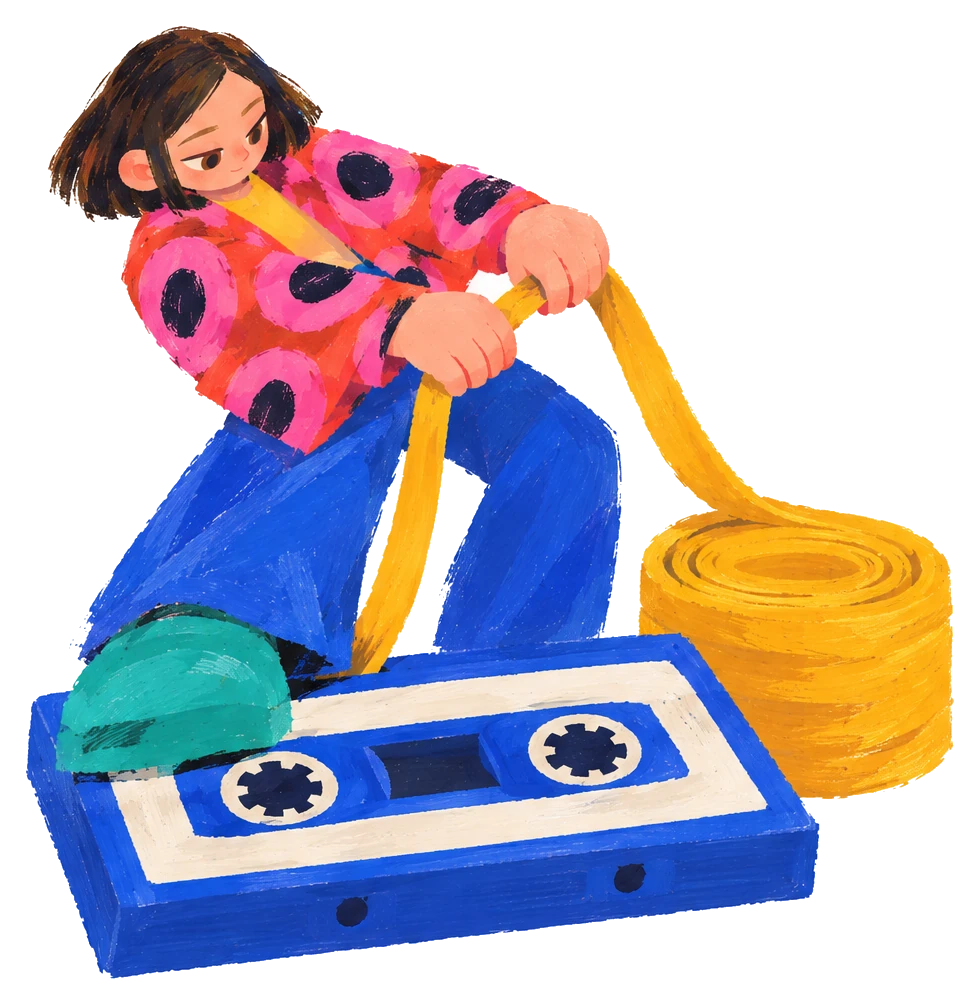
After finishing a cassette, a user of the web sampler needs an MP3 that can be taken away, uploaded or dropped into editing software. The arrangement engine computes this file directly in the browser, with no server-side mixing and no recording of live playback. The sections below cover rendering, post-processing, encoding, the two output types and the timeline of sample files. Scheduling and the clock for live playback are covered in Clock design for a web step sequencer, and this article covers output only.
Export uses offline rendering, not a recording of live playback
Recording live playback means export waits for the whole piece to play, so the time needed equals the length of the work. On a phone, audio may also pause when the user switches apps.
Offline rendering does not wait for playback and does not depend on device state at that moment. In the W3C Web Audio API specification, the timeline of an OfflineAudioContext is not tied to the real-time playback clock, and the result is written into an AudioBuffer. MDN's description says it does not output to the device hardware, and instead produces the result as fast as it can into an AudioBuffer. The position of each note is decided by its scheduled time, independent of the browser's state during playback.
- Cassette data4 sequences, 12 sound cells
- Offline renderingRebuilds the audio graph, scheduled by sequence, cell and step
- Whole-mix processingLimiter and a 3 dB reduction overall
- Convert to monoGets the Float32 samples
- MP3 encoding192 kbps, 1152 samples at a time
The flow follows the path for exporting the full mix.
Rebuilding the audio graph from the same cassette data
The arrangement data is 4 sequences, each with 12 sound cells, and each cell has 32 steps. One step is an eighth note and a bar has 8 steps, so 32 steps make 4 bars. Each sequence sets its own loop length from 1 to 4 bars. Live playback and offline rendering read the same sequence, cell and step data.
Export calls Tone.js's Tone.Offline with a callback function and a total length in seconds. The callback runs in a separate offline environment, so the audio graph has to be rebuilt inside it: each cell that has data gets a player, connected to a PitchShift and a Filter, then to the input of the global processing or to the main channel.
Scheduling uses a single transport.scheduleOnce at time 0:0:0. Inside the callback, three nested loops over sequence, cell and step call player.start directly for every enabled step, and set the volume at the same moment. The start of sequence N is the sum of the lengths of the previous N-1 sequences, so the four sequences line up in order along one continuous timeline.
The total length comes from the loop lengths of the four sequences and the BPM. Each sequence lasts its number of loop bars × 8 × (60 ÷ BPM ÷ 2) seconds. At the default 120 BPM, a step is 0.25 seconds and a bar is 2 seconds, so four sequences of 2 bars each give a total of 16 seconds. The output length depends only on loop length and BPM, not on how many notes are placed.

Processing before a full export, and mono conversion
For a full export, the output of the global processing chain first passes through a Limiter with a threshold of -1 dB, and the whole mix is then lowered by 3 dB to leave headroom for the sum of many sounds playing together. Once processing is done, the resulting AudioBuffer is converted to mono and handed to the encoder.
MP3 encoding: lamejs, 192 kbps and 1152 samples
Encoding uses lamejs, an MP3 encoder that runs in the browser, created as Mp3Encoder(channels, sample rate, kbps). The channel count and sample rate come straight from the rendered buffer, and the bitrate is set to 192 kbps.
Encoding proceeds in blocks. The MIT Media Lab MPEG Audio FAQ explains that Layer III cuts sound into blocks of 1152 samples, which is a secondary summary, not the original ISO text. The example in the lamejs README also uses 1152, and its comment says any block size works, though a multiple of 576 is easier on the encoder. The arrangement engine feeds the encoder 1152 samples at a time.
Web Audio samples are floating-point numbers between -1 and 1, while the encoder takes 16-bit integers. In conversion, each value is first clamped to between -1 and 1, then negative values are multiplied by 32768 and positive values by 32767, which maps exactly onto the int16 range of -32768 to 32767 with no overflow.
| Item | Setting |
|---|---|
| Rendering | Tone.Offline, with total length computed from loop length and BPM |
| Channels | Mono |
| Encoder | Mp3Encoder from lamejs |
| Bitrate | 192 kbps |
| Per encoding call | 1152 samples |
| Float to integer | Clamped to -1 to 1, negative times 32768, positive times 32767 |
| Output type | Blob, audio/mp3 |
Two outputs: a full mix and a ZIP of individual sounds
The export window offers two results. The full mix is a single MP3 of the whole cassette mixed together. The ZIP of individual sounds renders each sound on its own and packs the files into an archive, so each sound can be used separately.
- Cassette arrangement is finishedIf nothing is arranged yet, a prompt shows first
- A complete finished piece is neededSingle MP3Rendered as a whole, downloaded to the user's device
- Sounds need adjusting one by one in editing softwareZIP of individual soundsEach sound rendered once, packed into download.zip
- Making a cassette publicUpload the full mixLimit 20 MB, MP3 only
The ZIP of individual sounds works as follows.
- All 12 sound cells are checked one by one, and a cell is exported only if it has a sample and at least one of the four sequences has a step inside its loop range.
- Each cell gets its own Tone.Offline run, again in mono and again encoded with lamejs.
- File names follow the cell number, from sample-0.mp3 to sample-11.mp3, and JSZip packs the files into download.zip for download.
Before a cassette is made public, the system requires a full mix to be exported and uploaded. The file is sent to the backend as a form, and the backend accepts only MP3 with a size limit of 20 MB. On success it returns the file URL, and the frontend records the URL and the export time in the cassette data.

The timeline of sample files
MP3 is encoded in frames of fixed length, and most encoders add a delay at the start of the file, with a length that differs between software. If the player does not compensate, a short stretch of silence appears at the start. A single playback shows no difference, but when a sample loops inside a sequence, every cycle begins from the start, and the offset between the start and the beat is always present. When several sounds play together, the beats no longer line up.
The sampler handles this at upload. The backend first converts an uploaded MP3 or WAV into uncompressed AIFF, then converts it to MP3 through the same process. Every sample is produced by one encoding process, so the delay at the start no longer changes with the source software. The frontend does not need to detect the leading silence file by file, or write a separate compensation for each software's differences.
Prompts before export
A full mix must be exported before a cassette is made public. When a cassette has no steps arranged yet, the export window shows the message "No beats yet, so no audio file can be exported" and offers a "How to tap" entry that guides the user to finish arranging first.
When offline rendering does not fit
An OfflineAudioContext needs its length specified at creation, and the whole result is held in memory. For capturing microphone or external instrument input in real time, or for output whose length is not known in advance, a recording approach fits better. A cassette whose length is set by loop and BPM meets the premise of offline rendering.
Further reading and official tutorial videos
For the overall approach to the sampler and how it is used, see the TMC Cloud Sampler case. For beat scheduling in live playback, see Clock design for a web step sequencer.
Demonstrations of export and sampling are in the official tutorial videos: 3-2 Cassette Editing and Export and 2-1 Recording Samples.
For audio rendering, export or sampling features on a web page, the scope is described in Web interactive feature development, and the development team can be reached through describing the web audio requirement.