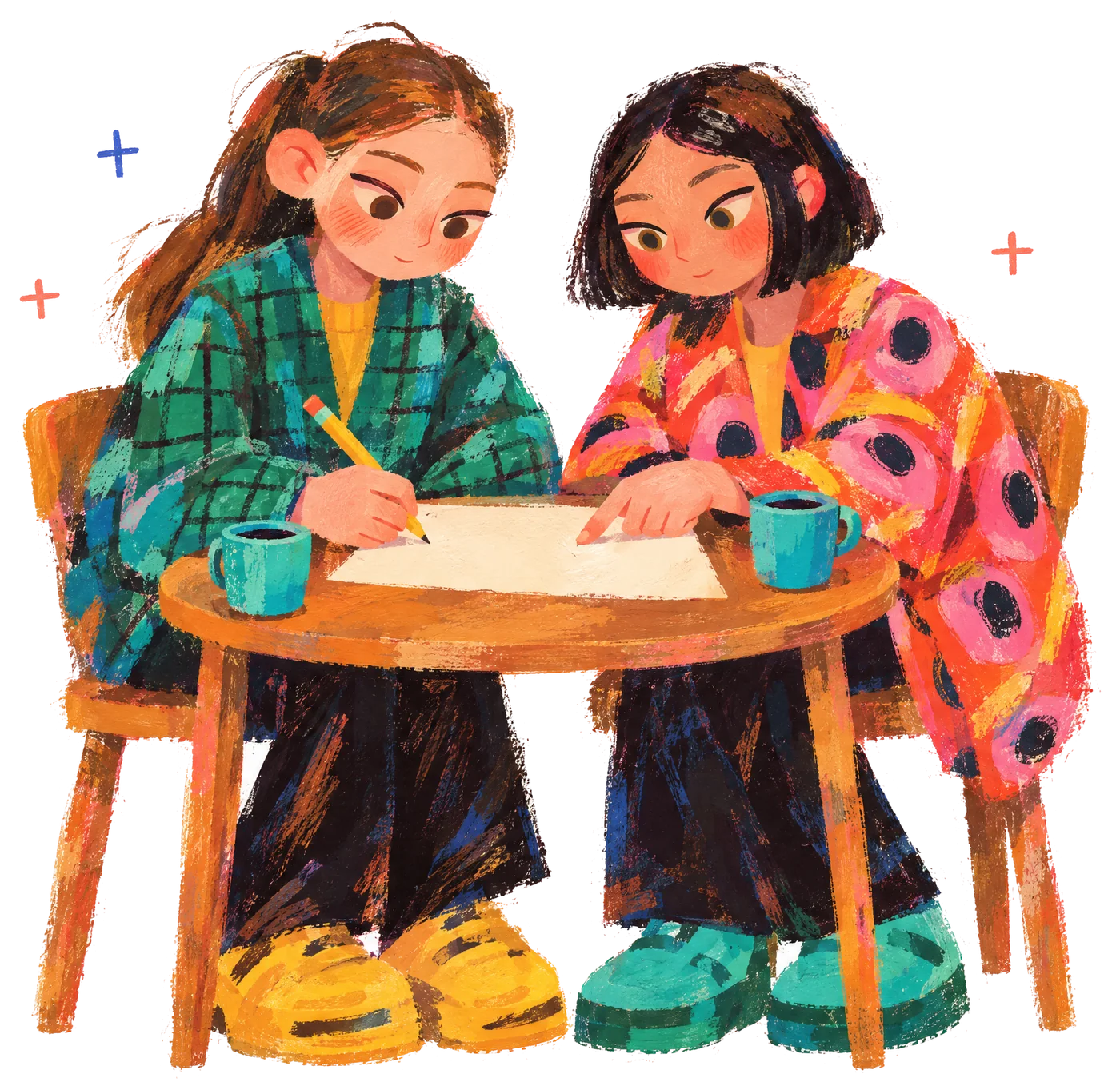

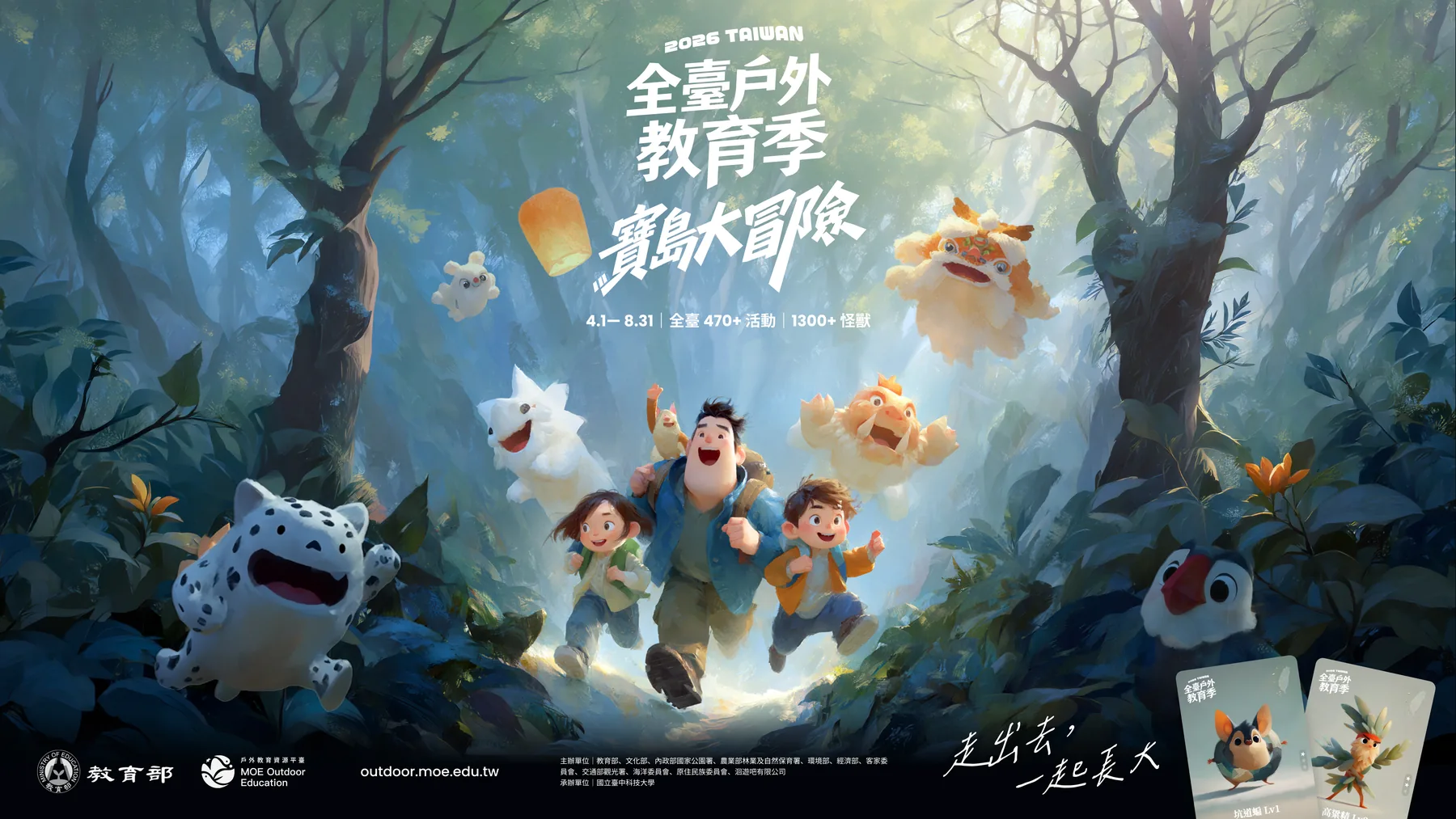
The 2026 Taiwan Outdoor Education Season is a web campaign built as part of a Ministry of Education project. It ran for 22 weeks and covered over 180 venues and over 470 courses. The whole campaign went from planning and design to finished development in under 2 months. Each course maps to one character, and each character has three stages: baby, growing, and fully evolved. The release holds 480 characters across 1,440 images. A single master table drives the whole batch. The prompts live in the table, the ID runs through image files, cards, and the front end, and updated course data can be exported again. The sections below cover the master table, the prompts, output in five sizes, batch layout of share cards, and how the front end loads images.
Reward handling and accounting are covered in ledger integrity, abuse prevention, and budget controls on reward campaign platforms, and the overall build scope is described in campaign platform and admin builds.
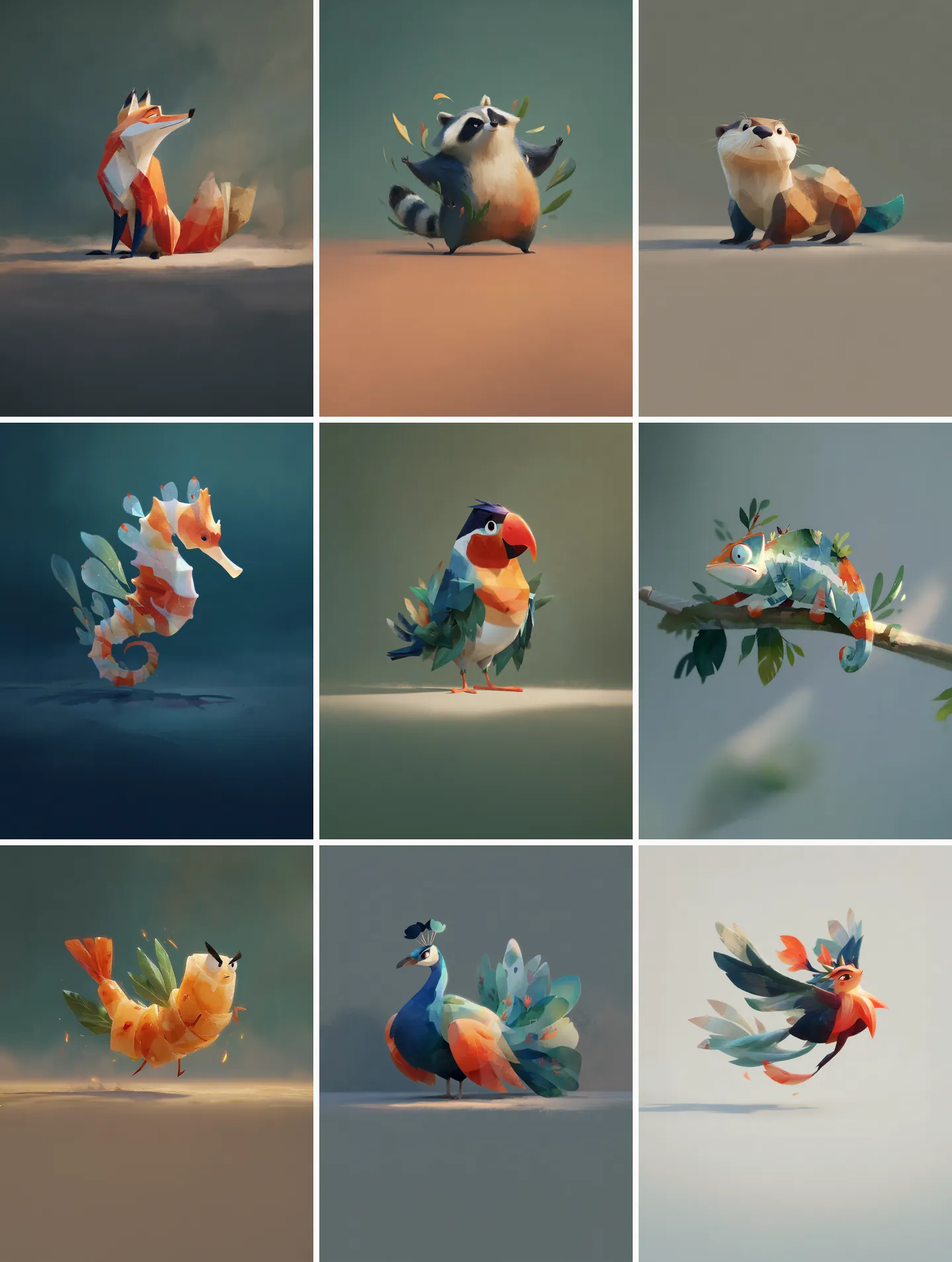
Master table and character IDs
A character ID has four segments: region, habitat, serial number, and stage. Take N-W-01-3. N is the northern region, W is a water habitat (L for land), 01 is the serial number, and 3 is the stage, which here means Lv3. A character ID matches its course ID, so N-W-01 refers to a course and a character at the same time. All 1,440 prompts begin with the ID. The script that sorts the image files reads the ID and stage from the start of each file name with a regular expression, sends the files into five folders by use, and renames each one with the ID, the stage, and a letter for its use, for example N-W-01-3-F.
| Field | Content | Where it is used |
|---|---|---|
| ID | Region, habitat, serial number, stage | Prompt prefix, image file names, front-end image loading |
| Species name | Name of each character species | Card text |
| Prompt | One per stage, 679 to 1,445 characters long, averaging about 970 characters | Image generation |
| Evolution stage | Lv1 to Lv3 | Image generation, card star rating, front-end image loading |
| Rarity and stats | Four rarity tiers plus two stat values | Game rules |
| Course, venue ID, county or city | The character table stores only the venue ID; the venue name is looked up in the venue table at export | Card text, map |
Rarity has four tiers with values of 1, 2, 5, and 50. Leaderboard power is the sum of the two stat values multiplied by the rarity value. Rarity and stats sit in the same table as the prompts, so image generation and the game rules read the same data.
When the number of characters has to catch up with the number of courses, the master table can be extended. The script first works out the gap between course count and character count in each region and divides the new characters between water and land habitats in proportion to that region's courses. New serial numbers start at 31. A function then assembles each prompt from the stage, the species description, the region's color scheme, and the background color code. After export, every row for a character whose image already exists is compared against its original name and prompt to confirm nothing was altered. How data from the 10 ministries is merged is covered in consolidating data across ministries in one campaign.
The four-layer prompt structure
Characters are generated with Midjourney. Consistent characters are a known difficulty in text-to-image generation: Avrahami et al., 2024 report that users of text-to-image models struggle to produce a consistent character, even though consistent characters matter for story visualization, game development, asset design, and advertising. Liu and Chilton, 2022 evaluated 5,493 generated images across five experiments and recommend putting the weight of prompt choice on subject and style keywords.
The development team splits subject and style into four layers and stores the layers in the prompt column of the master table. The rules for each layer are set first and generation runs in batch afterward, the same approach described in quality gates for AI batch content.
| Layer | How it varies | Example fragment |
|---|---|---|
| Stage layer | Changes only with Lv | Lv1 cute baby form, chibi style, small size; Lv3 fully evolved majestic form, large imposing size |
| Species layer | One passage per species, reused across the three stages | secretary bird creature with extremely long powerful legs for savanna striding ... |
| Region layer | One color scheme and background per region, with depth that changes by stage | Lv1 warm peach and soft golden yellow; background #D4762C |
| Fixed layer | Identical in every prompt | character design, professional illustration; --stylize 300 --raw --ar 1:1; the same personalization style file |
Example: a water bird from a southern water habitat. The background color code stays fixed.
The species layer is the only content written one character at a time, with a separate passage for each of the 480 species. A script took the longest common substring of the three stage prompts for each of the 480 species, and the average came to about 325 characters, which is why the three stages are recognizable as the same creature.
The three stages correspond to three depths of participation: collecting, answering questions, and visiting in person. The rules for each stage and the weekly rhythm are covered in how the platform ran a 22-week national campaign.
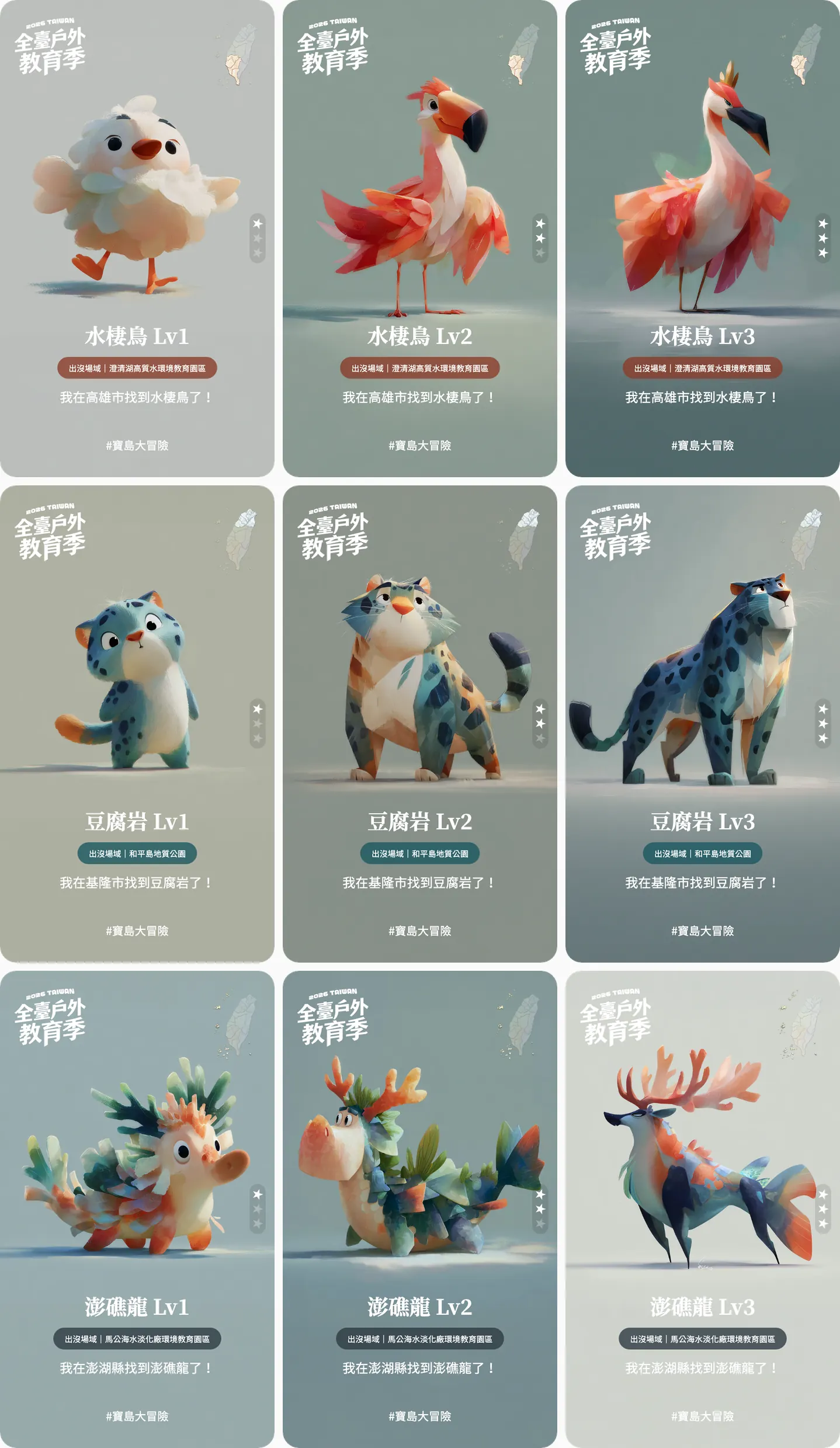
The stage layer lets the eyes, the pose, the depth of the color scheme, and the brushwork and lighting vary. Lighting strengthens from soft diffused natural lighting to cinematic golden-hour lighting. Each prompt produces four candidates, and a person picks one.
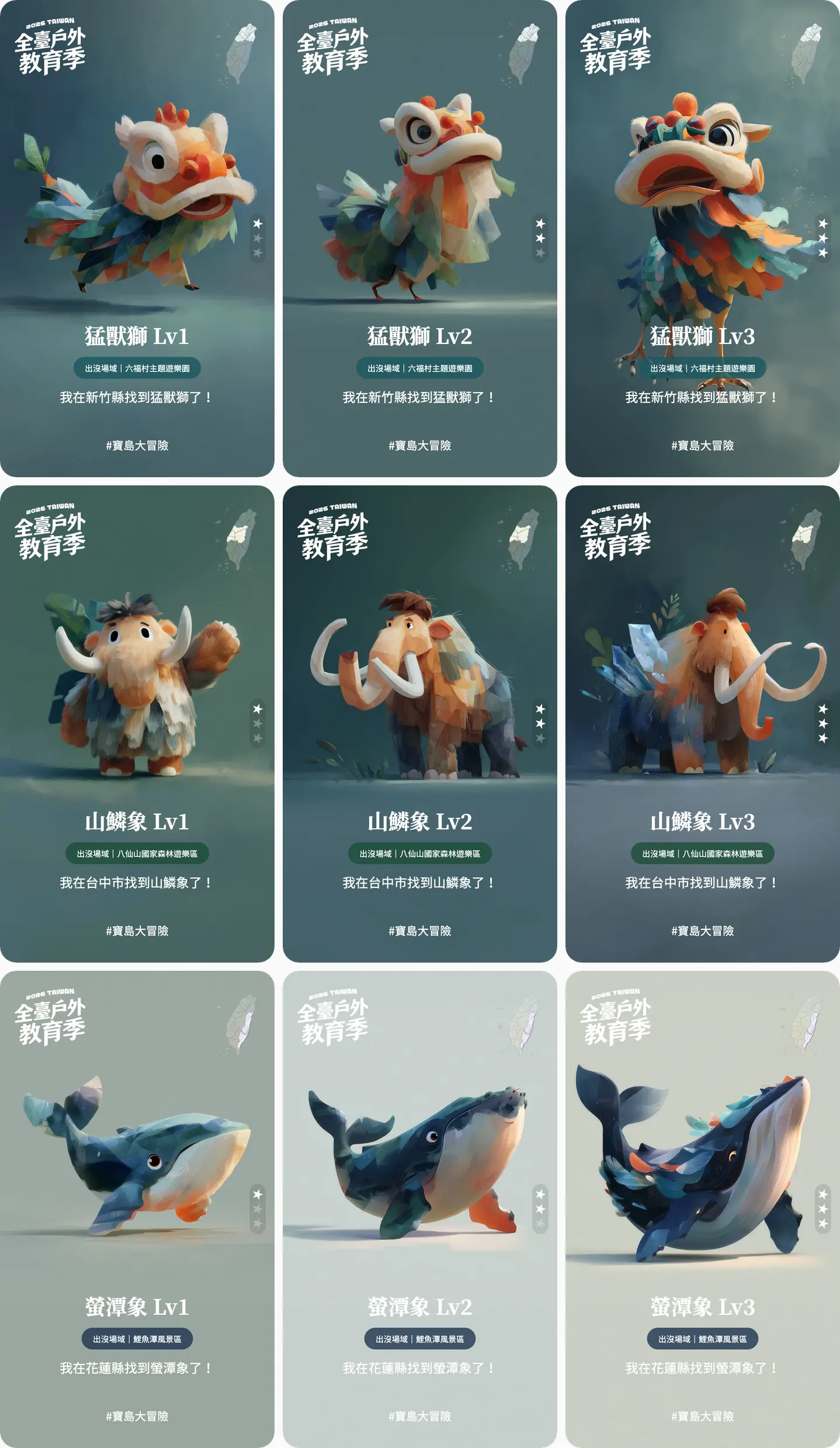
Fixed parameters and background colors
- --stylize 300: the Midjourney Stylize documentation states that low values stay close to the prompt and high values give the model more freedom, with a default of 100 and a range of 0 to 1000. All 1,440 prompts are fixed at 300.
- --raw: the Midjourney Raw documentation states that Raw turns off the creative embellishments that standard mode adds automatically, which gives more control over the final look when the style description is detailed.
- --ar 1:1: the aspect ratio is fixed at a square. The Midjourney parameter list states that parameters always go after the prompt text, so all 1,440 prompts end with this set of parameters.
- Personalization style file: the Midjourney Personalization documentation states that a style file builds up from the images a user picks, and that the code of a specific style file can be appended to a prompt for repeated use. Every prompt carries the same style file, and the code is kept private.
The background color is also written into the prompt. Each of the five regions has one color code, and every prompt carries the code of its region, written as on flat solid warm orange #D4762C color background only. The code gives the model a direction, and the backgrounds that come out carry brush texture. North, central, east, and the outlying islands mostly land in low-saturation blue-gray tones, while about half of the south leans warm orange. The whole batch stays low in saturation and reads as one world. Regions are told apart by the label color and the small map on each card.
| Region | Background color | Images |
|---|---|---|
| North | deep teal #1A7A6D | 399 |
| Central | forest green #3D8B37 | 390 |
| South | warm orange #D4762C | 435 |
| East | dark indigo-slate #2B2B3D | 174 |
| Outlying islands | warm brown #8B4726 | 42 |
AVIF output in five sizes
- Master table1,440 rows480 species, three stages each
- Generation and selection1,440 promptsFour candidates per prompt, one picked by a person
- Detail images1,440 images1218 x 1618 PNG
- Cutouts and share cards1,920 images480 Lv3 cutouts and 1,440 share cards
- Multi-size export5,280 AVIF filesFive uses
File counts are the AVIF files the project actually uses, excluding the original PNGs.
The last step of the pipeline exports five kinds of AVIF, and the format is defined in the AV1 Image File Format (AVIF) specification. The sorting script routes files by the stage in the file name: course previews take only Lv1, and large cutouts take only Lv3. The five kinds add up to 5,280 AVIF files, about 120 MB.
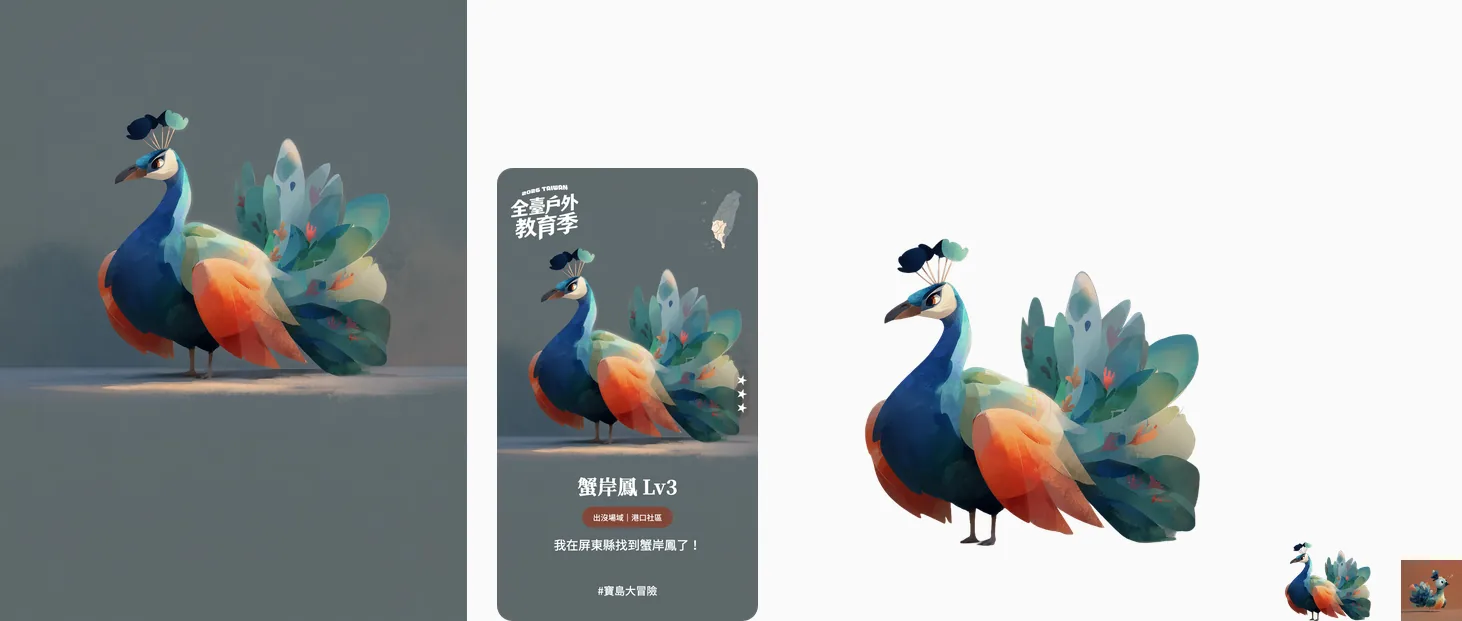
| Output | Letter | Where it is used | Size | Count | Average size |
|---|---|---|---|---|---|
| Course preview | D | Map venue panel and course list; Lv1 only | 160 x 160 | 480 | About 2 KB |
| Collection thumbnail | C | Collection grid, using the image for the character's current stage | 163 x 225 | 1,440 | About 8 KB |
| Detail image | A | Course detail window with all three stages side by side; stages not yet obtained drop to 20% opacity | 1218 x 1618 | 1,440 | About 21 KB |
| Large cutout | F | Choosing a partner at the start; Lv3 only | 1218 x 1218 | 480 | About 36 KB |
| Share card | B | Collection success window and share window | 680 x 1182 | 1,440 | About 44 KB |
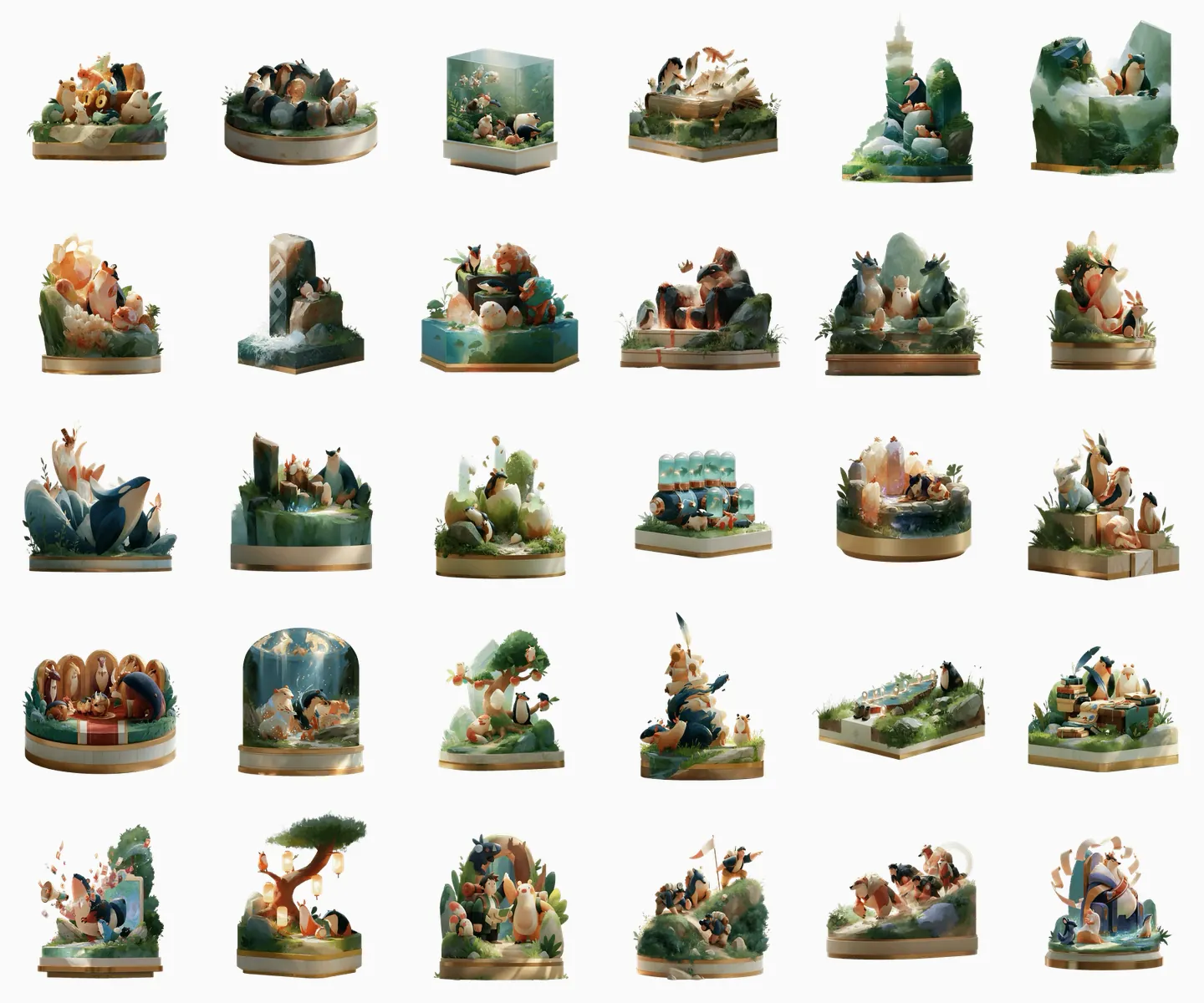
Badges follow the same method with the fixed layer replaced by a different description, and every badge starts with 3D collectible figurine with polished display base. There are 30 badges in three categories: 21 for collecting, 5 for friends, and 4 for missions. Each is exported as a 300 x 300 AVIF file averaging about 13 KB.
Batch layout of share cards
Share cards are exported by a batch script. The script reads the master table with openpyxl, the design size of 340 x 591 is written directly into the code, and the layout uses HTML and CSS absolute positioning: the character image fills the card with object-fit: cover, and the corners have a 20 px radius. The character image and the decorative images are converted to base64 and embedded, so the HTML of each card is self-contained. Playwright launches headless Chromium with a viewport the same size as the card and device_scale_factor set to 2. After the network goes idle it waits another 300 milliseconds, then screenshots the .card element with the page background omitted, which yields a 680 x 1182 PNG that stays transparent outside the rounded corners. The run produces 1,440 PNGs.
- Region sets the color of the venue label and the small region map in the upper right corner.
- Stage sets the star-rating graphic, placed on the right edge of the card at its vertical center.
- Character name, venue name, and county or city set the text. A venue name longer than 13 characters is truncated and an ellipsis is added.
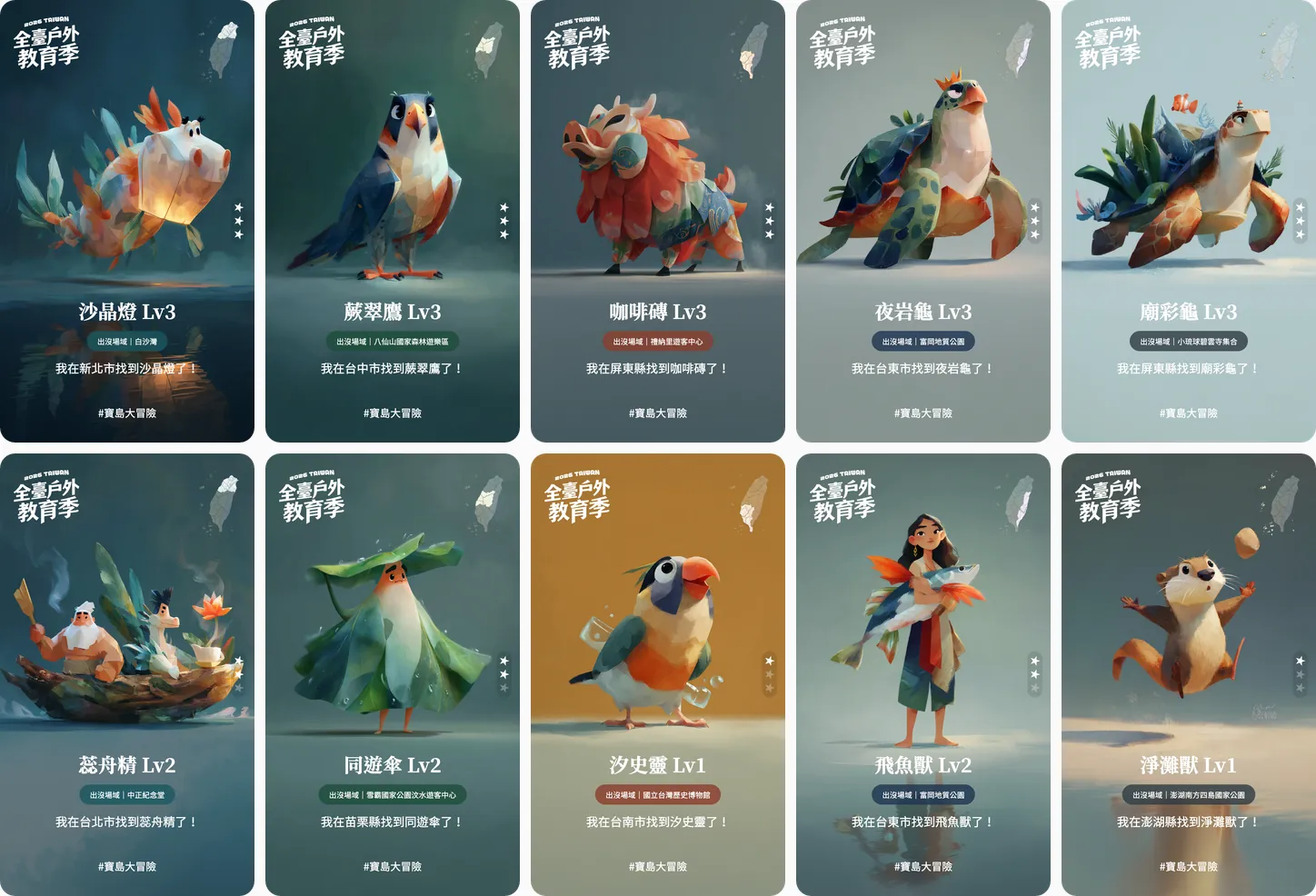
Venue names are not stored in the character table. At export the script looks up each venue by its ID in the venue table, so renaming a venue means editing one place. The sentence on each card comes from a fixed template filled in with the county or city and the character name. After course data is updated, rerunning the script updates the cards and the layout stays the same.
How the front end loads images
The front end keeps no lookup table of character images. Each screen builds the file name from the character ID and stage and hands it to the bundler through new URL with import.meta.url. The number of AVIF files in the front-end project matches the export: 1,440 files each for detail images, share cards, and collection thumbnails, and 480 files each for course previews and large cutouts. Images on the course detail, collection success, collection, and course list screens all carry loading=lazy, so each image loads once scrolled into view.
The collection success window features the share card. The card enters by scaling up from small with a blur, then floats up and down on a 5-second cycle while tilting slowly on an 8-second cycle inside a container with perspective 1200 px, at angles within 8 degrees. All of this motion is CSS animation.
The original PNG detail images average about 1.3 MB and total about 1.9 GB. After conversion to AVIF the images average about 21 KB, for a total of about 30 MB. The map and course list use the course previews at about 2 KB, and detail images and share cards load only in the matching windows. Large cutouts need transparency, and AOMedia's explanation states that AVIF supports transparency as well as lossy and lossless compression, and that major browsers such as Chrome, Firefox, and Safari support it, so the large cutouts use AVIF too. How download size and memory budgets are set is covered in the full Web 3D performance engineering process.
When this approach does not fit
- There are only a handful of characters and the characters will serve as a long-term brand identity. Characters like these are better refined one by one, and the investment in a data table does not pay back.
- The image has to depict a real species, artifact, or person accurately. Details in a generated image cannot be used as fact.
- The characters have no matching course or venue data. With no data to bind to, the ability to re-export goes unused.
What to prepare before starting
Five items need to be ready first: the role of the characters in the campaign, the number of characters and stages, the course and venue data each character maps to, the use and size of each image placement, and a style reference. The scope of generation and visual assets is described in AI imagery and visual assets. Once these are ready, talk with the development team about planning the characters and the campaign platform.