

1
Customer3D citySix hotspots lead straight to each page
(Case study) Signage and advertising・Polish 3D / Polish AI
A custom sign is usually approved from a flat drawing. The website became a 3D city where clients upload a logo and a storefront photo, preview the sign lit at night, and carry presentation mode straight into a proposal meeting.
The same approach suits any trade where clients see the product only after it is built: signage, building materials, windows and curtain walls, interior fit-out, exhibition booths and lighting.

(Challenge)
A sign shows its value only when placed back on a building and a street. Flat drawings and renderings cannot answer three questions: whether it stands out on this building, how it looks lit at night, and whether front-lit or painted lettering suits it better.
Sales staff used to add explanations in words, and clients had to imagine the finished sign. The website was meant to offer a place where the sign can be seen first.
(Approach)
Signage company websites usually show finished photos, which convey past work. A client wants to confirm what the sign will look like on the client's own building, so this website answers that with an operable scene.
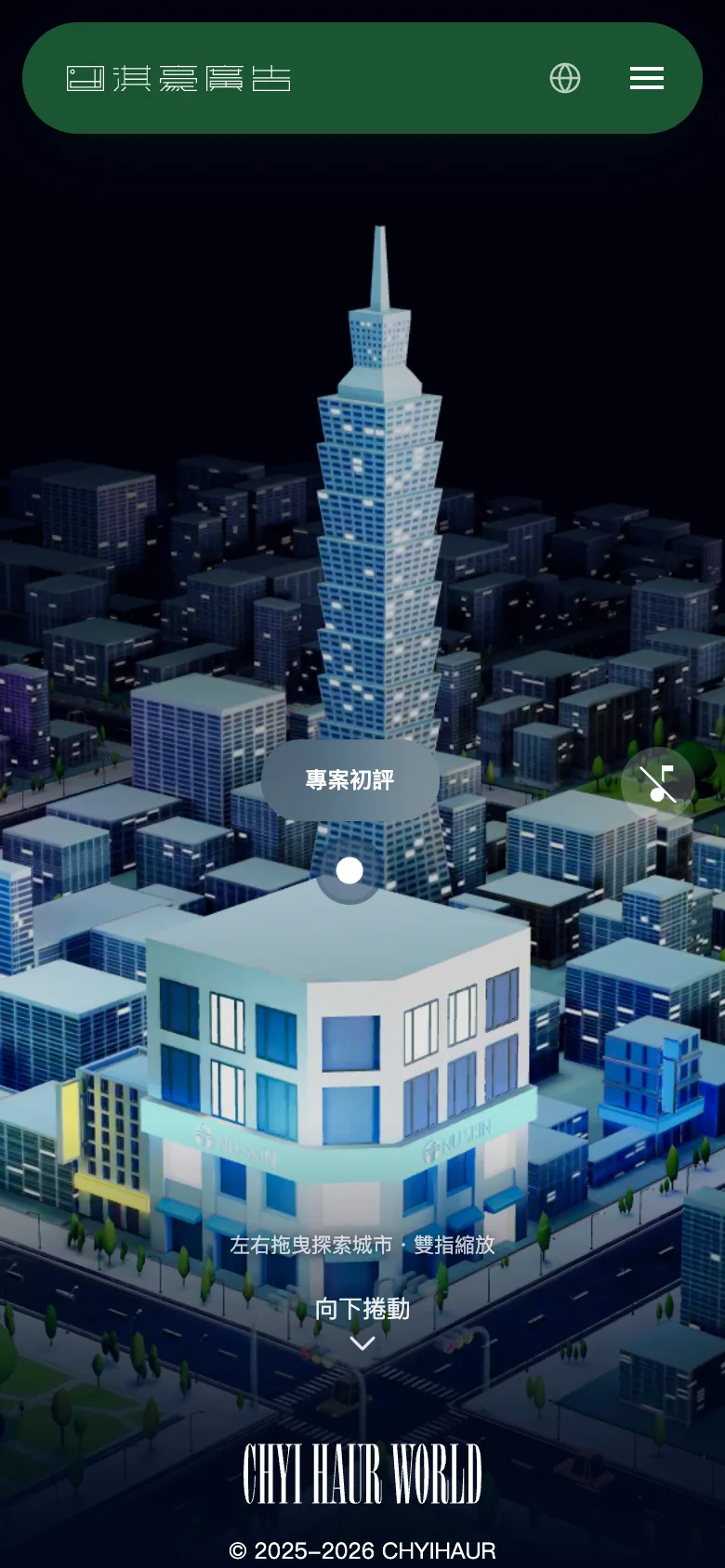
The home page is a 3D city that can be dragged and zoomed. Six hotspots stand between the blocks and lead to consultation, selected cases, service plans and the sign showroom.
City textures were reduced from 4K to 2K and recompressed as KTX2, cutting GPU texture memory from about 681MB to about 30MB. When a browser cannot run 3D, the page falls back to a static cover and the main links, so no visitor is turned away.
What lets the city run on a phone: shrink the textures first, then switch to KTX2.
GPU texture memory of the home page 3D city. Figures are estimates, and these textures are already in the production release.
(Key design)
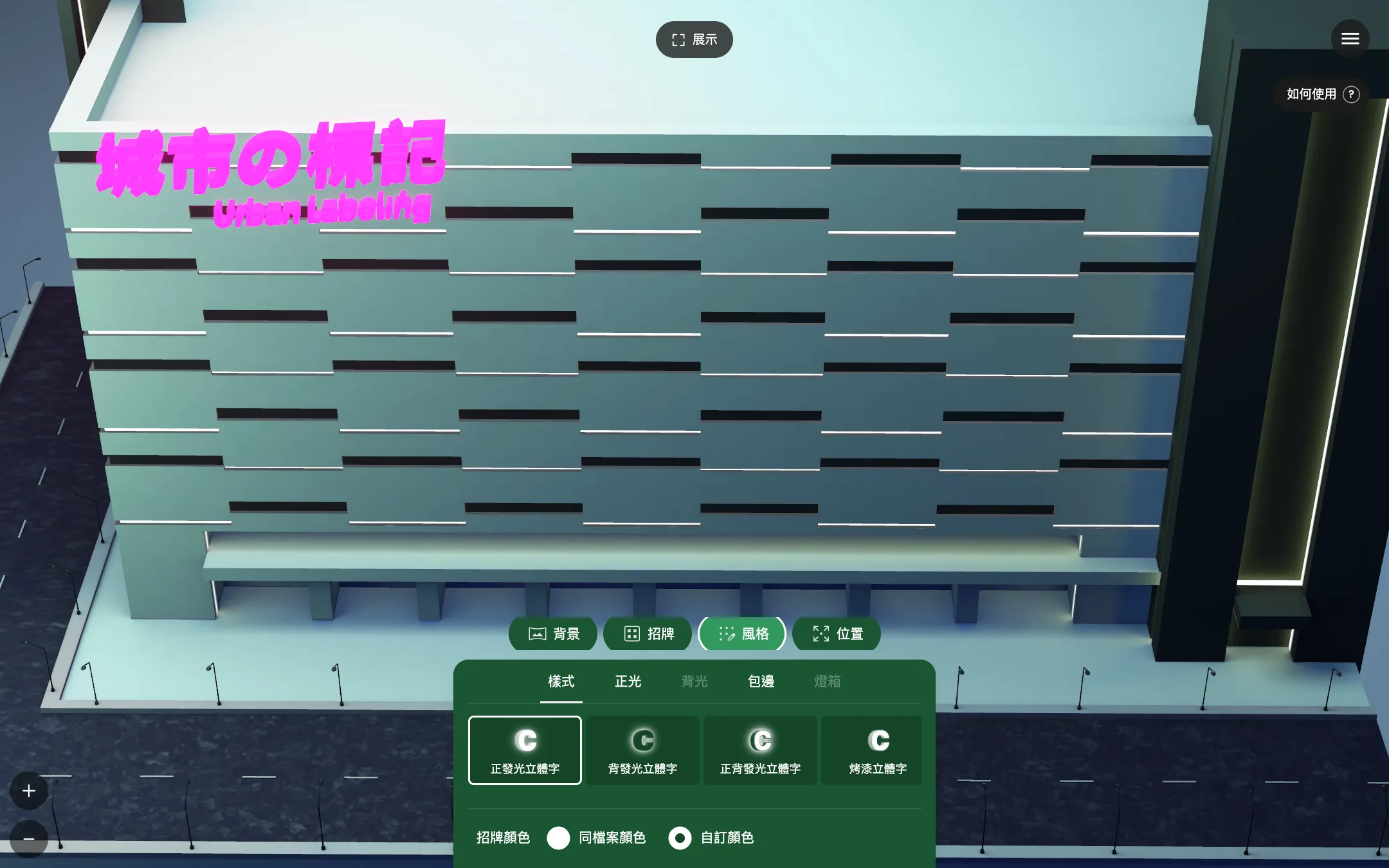
Clients choose from four demo buildings and upload an SVG logo, and the sign appears on the facade at once. Five styles switch in one tap: front-lit, back-lit, front-and-back-lit, painted 3D lettering and lightbox. Color, edging, brightness, position, size and thickness can all be fine-tuned. Pressing Present hides the controls and starts an automatic camera orbit, so a laptop is enough for a proposal.
Desktop
Four demo buildings are available. Logo templates swap in one click, styles switch between front-lit, back-lit and painted dimensional letters, and sliders fine-tune position, thickness and size, with the view updating immediately. In photo simulation, picking a built-in storefront photo places the sign on the facade in the photo.
Clients upload a photo of the actual storefront and drag the sign into place, which answers the question that matters most: how it looks on this building. Without a photo, nine built-in day and night storefront scenes are available. Photos are processed in the browser only and are never sent to a server.
Phone
Photo simulation works directly on a phone: logo templates and styles switch in one tap, and sliders adjust horizontal and vertical position and up-down and left-right rotation, so the sign lines up with the facade in the photo.
A seven-step guide appears on the first visit to the showroom. The color picker, sliders and upload window all work with a keyboard and screen readers, with no mouse required.
For industries where the customer sees the product only once it is finished, the first meeting can settle how to preview it.
(Result)
The site now runs in Traditional Chinese, English, Japanese and Malay. Each case page ends with an inquiry form that asks for the project type and budget range first. Cases also output FAQ structured data and llms.txt, so search engines and AI assistants can read the content.
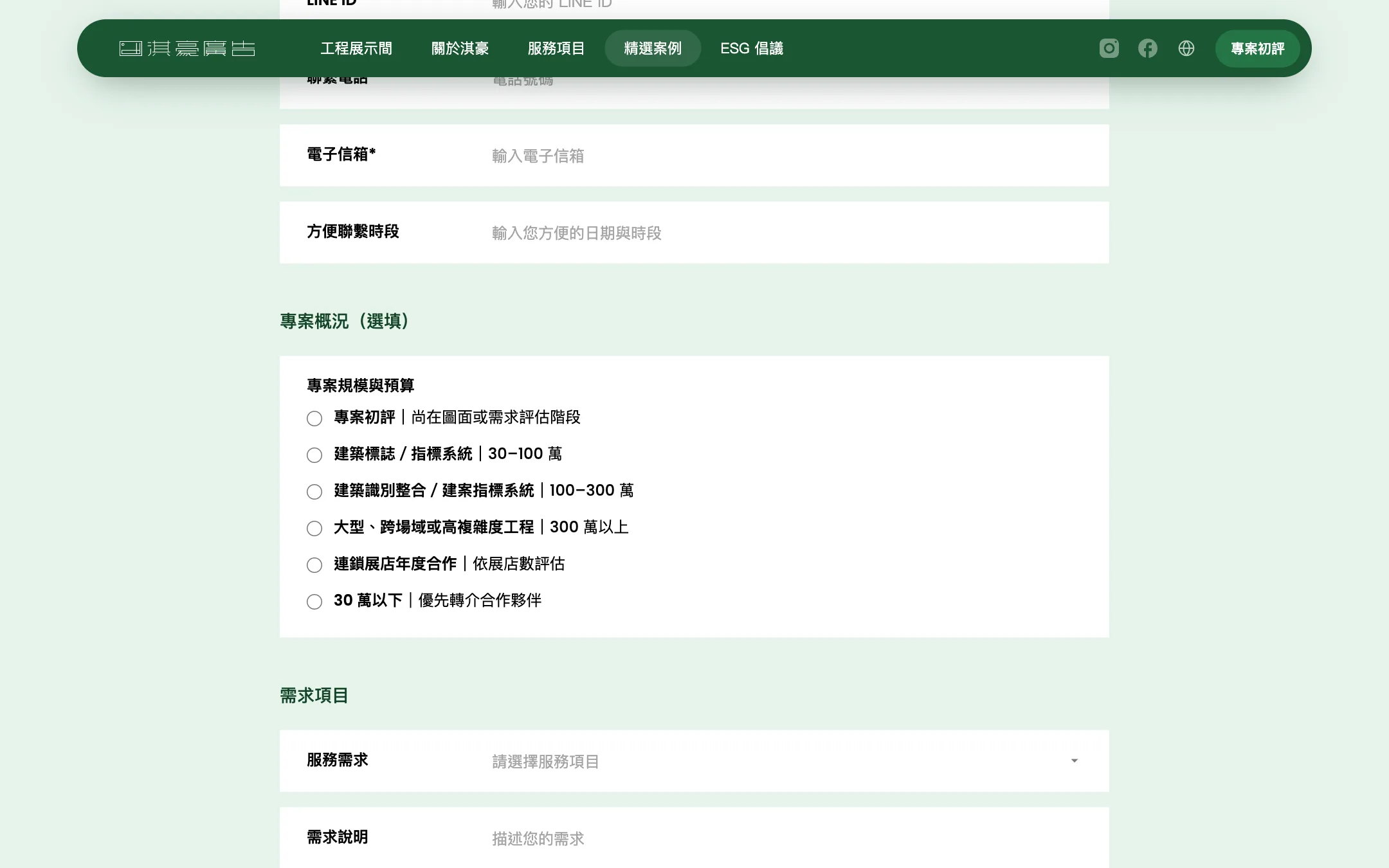
Photos are processed only in the browser and are never sent to a server.
New case articles are drafted by AI, with rules taken from statistics on the existing articles.
Summarized from case articles and large-scale document labeling.
(Field notes)
Unnamed project; costs are list-price conversions, not invoices; labeling cost is set at 1x.
Full-run result of an unnamed project, in approximate numbers; documents not sampled still had to pass the validator.
Each build is built separately and measured with the same script; the number of rounds follows the noise floor and variation
Schematic flow. Each engine indexes and ranks in its own way.
Each step builds on the one before it.
| Metric | Before | After | How measured |
|---|---|---|---|
| GPU texture memory: 8 textures reduced from 4096 x 4096 to 2048 x 2048 (WebP quality 80) | about 681MB | about 170MB | Calculated with the formula textures x edge² x 4 bytes x 4/3 (mipmap) |
| Texture download size | 3.38MB | 2.84MB | Texture file size |
| GPU memory: after switching to KTX2 (ETC1S, with mipmaps) | about 170MB | about 30MB | Estimated; these textures are already in the production release. The two steps combined go from about 681MB to about 30MB |
The first meeting takes 15 to 30 minutes and gives a direction, a budget range and a draft timeline.
Polish 3DPolish AINext case: A four-step questionnaire returns a tiered menu, and a 3D scene lays out the whole table
(Contact)
Three steps to a clear direction and budget range.
Monday to Friday, 16:00–18:0030 minutes online
Choose a time, then confirm with a Google account or an email address. A confirmed booking can be added to the calendar.
Choose a time