


(Case study) Pop music and education・Polish+
Rhythm making in a browser, and 7,677 personal copies built from four artist cassettes
TMC Cloud Sampler TMC CL-1 lets students and music teachers practice rhythm, arrange sections and share their work in a browser, with no extra equipment to buy. The four artist collaboration cassettes have been copied into 7,677 personal versions, and the platform is also used in teacher training, music classes and an online competition.

(Challenge)
Making rhythm takes equipment and software, so beginners struggle to start
Rhythm making usually calls for a sampler or professional software, and a class cannot easily give every student and music teacher a device. Taipei Music Center offers a free online tool, and together with a textbook and teacher training it lets first-time users build a rhythm of their own.
The tool had to work directly on phones, tablets and computers, and the work had to be saved and shared, so that an artist's material becomes a starting point for learning and remixing.
(Approach)
From an online drum machine to a sampling platform for making and sharing
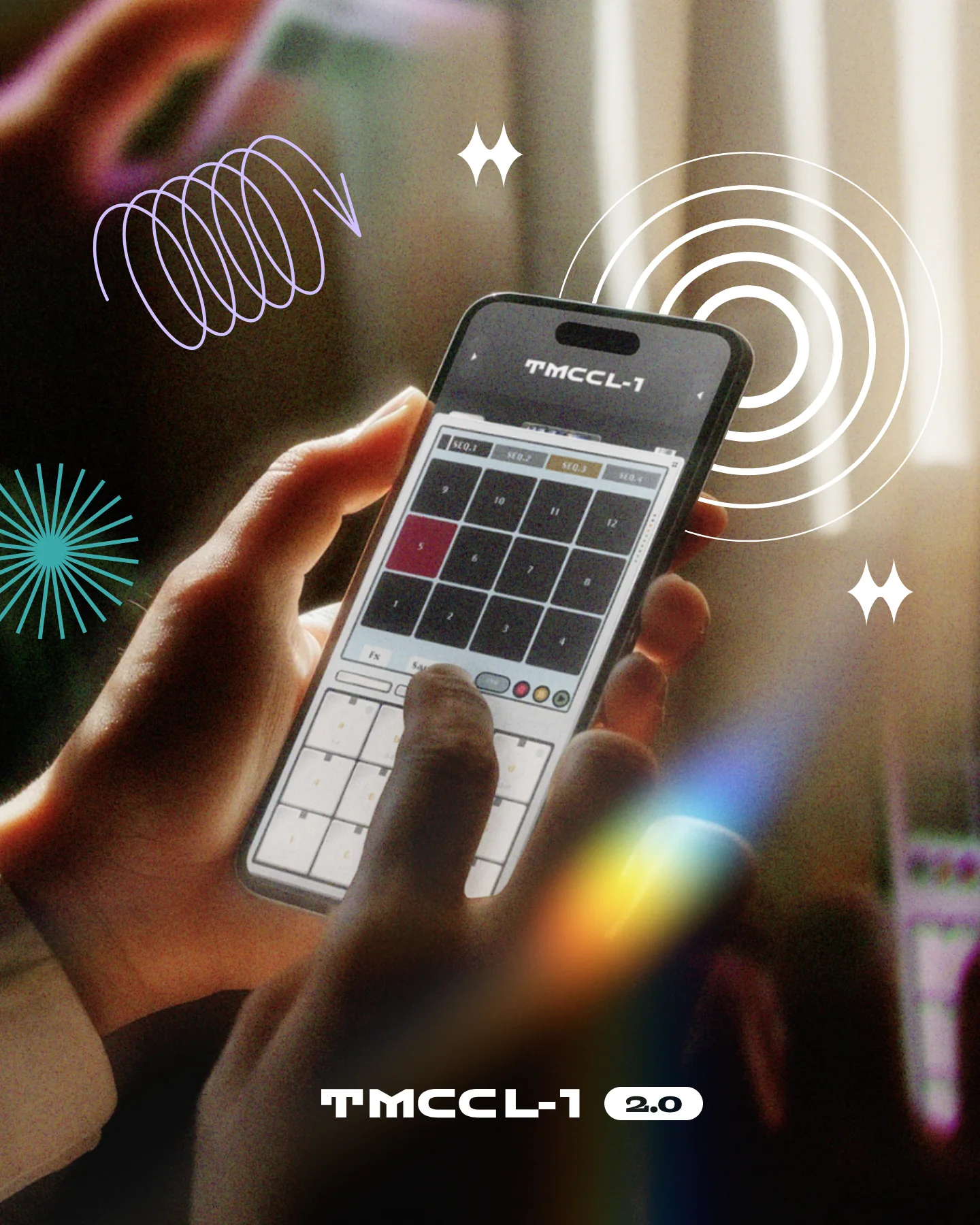
Stage one built the website and back office. The online drum machine was named TMC CL-1, and the site brings together announcements, video tutorials, social posts and an FAQ, all maintained from the back office.
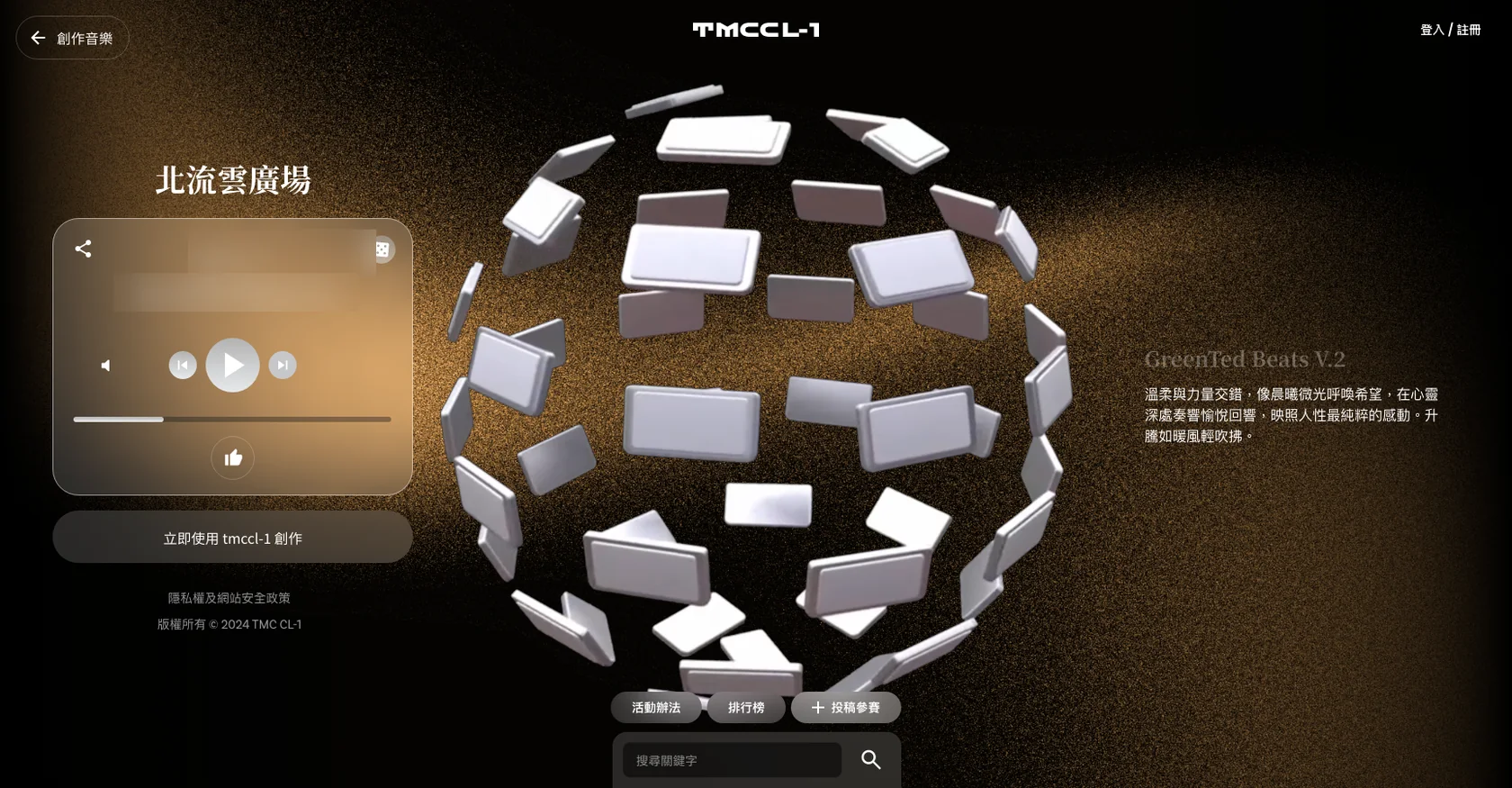
Stage two redesigned the interface and the product. Expert mode, artist cassettes and TMC Cloud Plaza were added. Users can build their own version from an official cassette, edit it and publish it to share, and the platform later grew into an online competition.
Desktop and phone versions were planned together, and weekly checkpoints and a shared test sheet kept design and implementation aligned item by item.
Once development was done, the project added a series of tutorial videos to connect with how users learn, so features and tutorials were planned together.
(Key design)
Four key designs
Two creation modes, from simple to deep
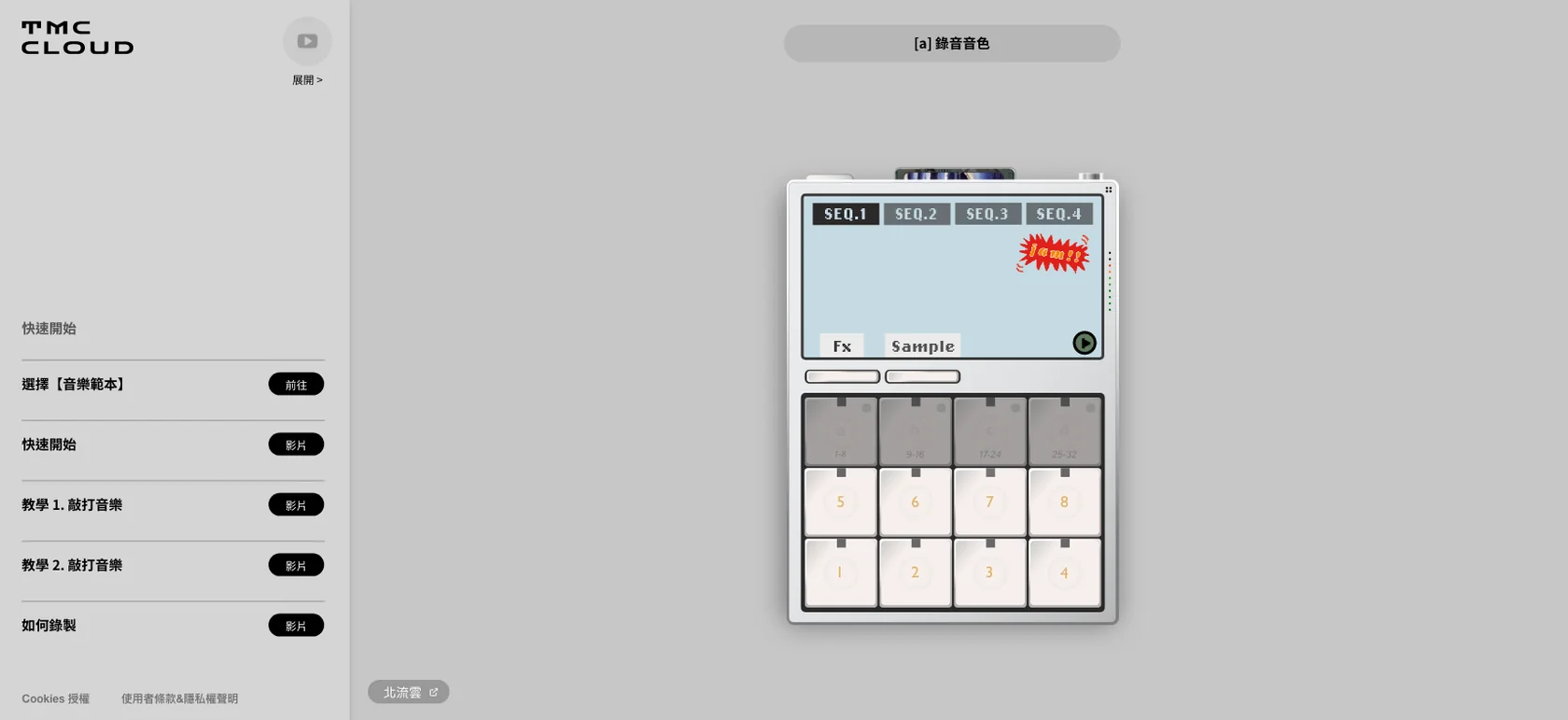
Beginners start with an official cassette and follow along, tapping and recording. Users who want to go further enter expert mode, where default sounds are already loaded, so a rhythm can be programmed right away. Sounds can then be swapped, effects adjusted, and 60 grooves change how the rhythm swings.
A sound library that keeps material in one place
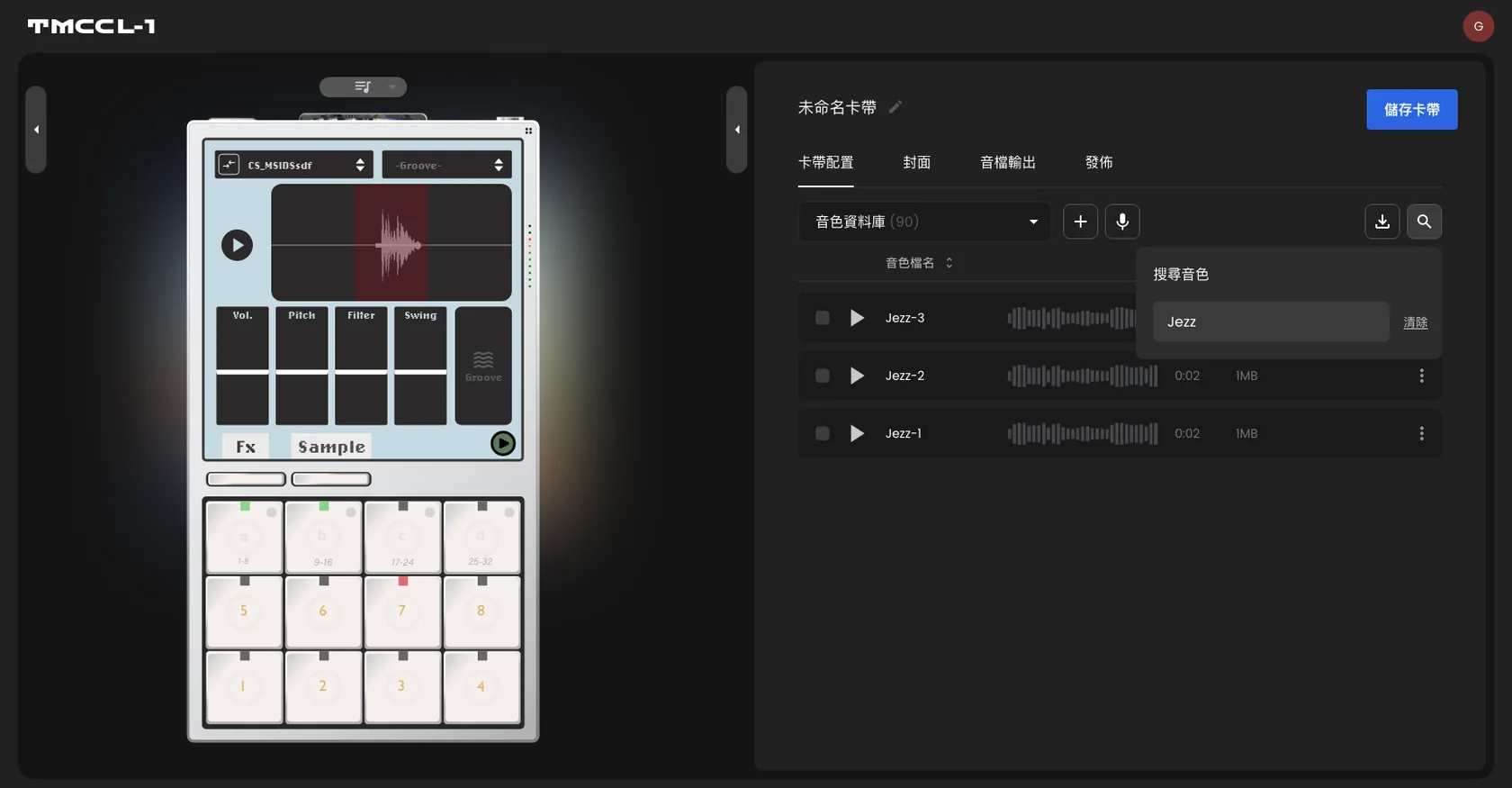
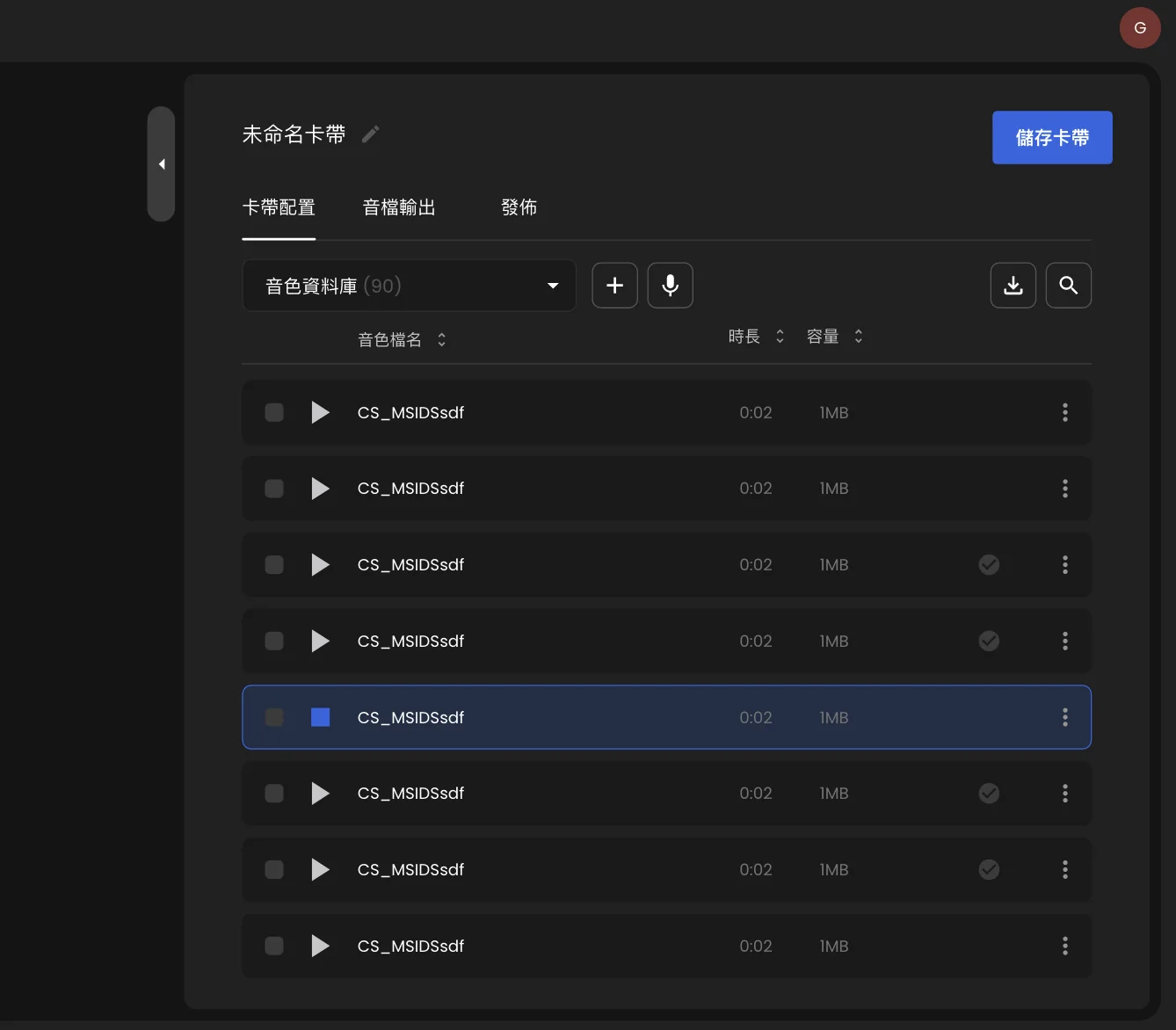
Every user has a personal sound library, where sounds can be added, recorded, downloaded and searched. The list shows each sound's waveform and length, and once a sound is selected, volume, pitch and filter are adjusted on the same screen. Sounds are saved with the cassette, and before a sound is deleted, the system checks whether a cassette still uses it, so that no work loses its sound.
The cassette as the unit of making and sharing
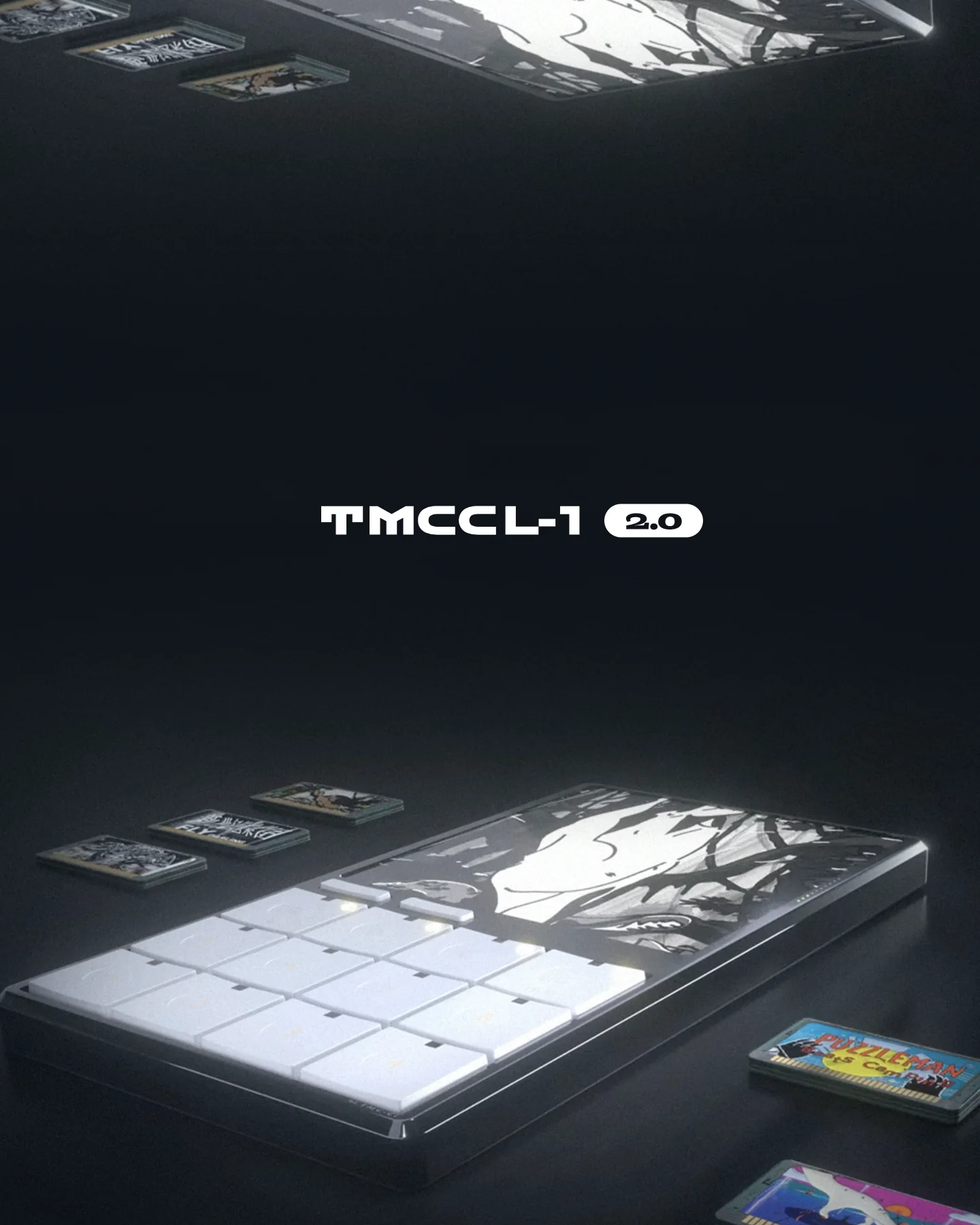
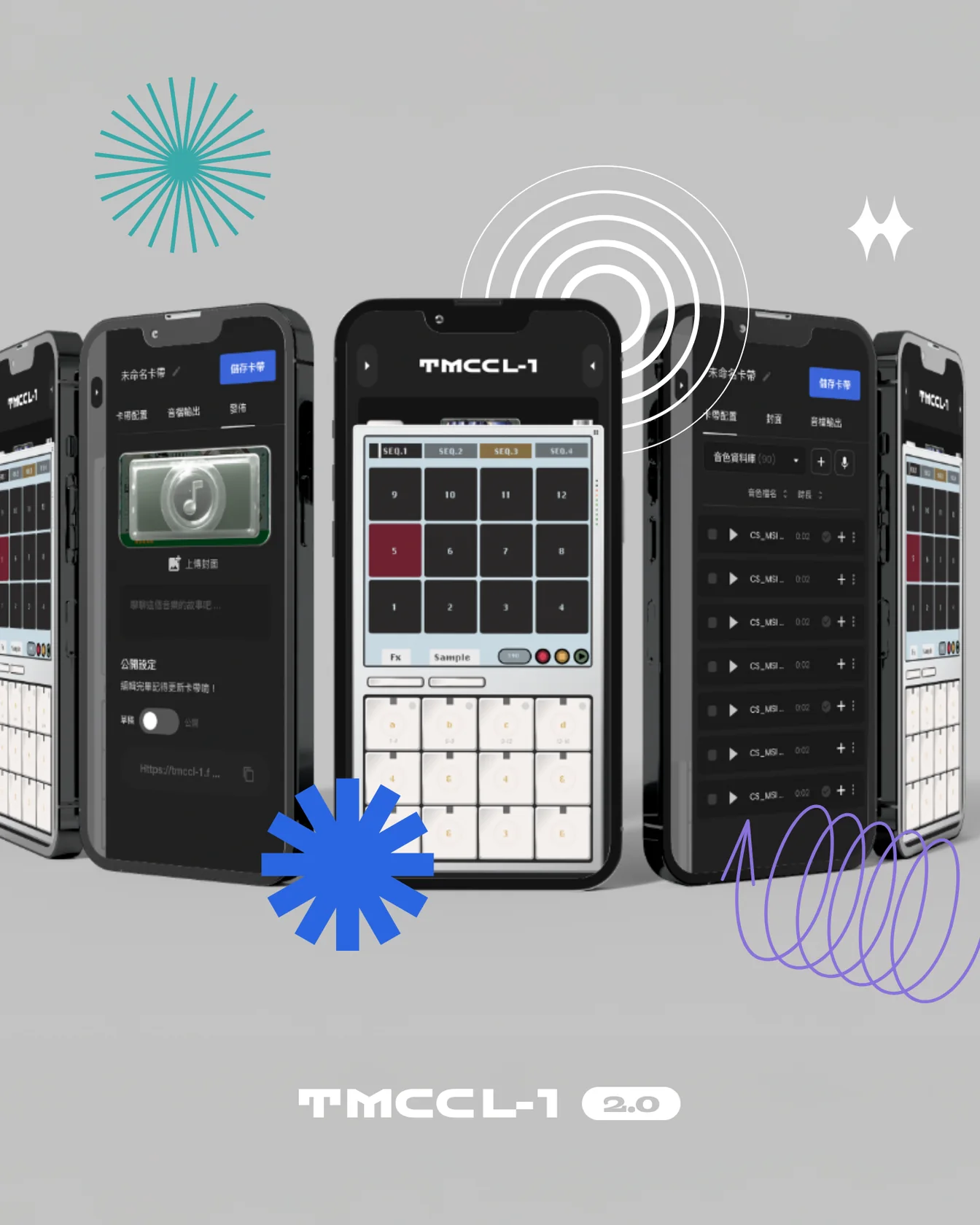
Each piece is saved as a cassette that holds its sounds, arrangement and effect settings. Under My Cassettes, users manage their own work and the official cassettes. Tapping an artist collaboration cassette creates a personal copy, so users build directly on the artist's material, then set a cover, a story and a visibility status before sharing.
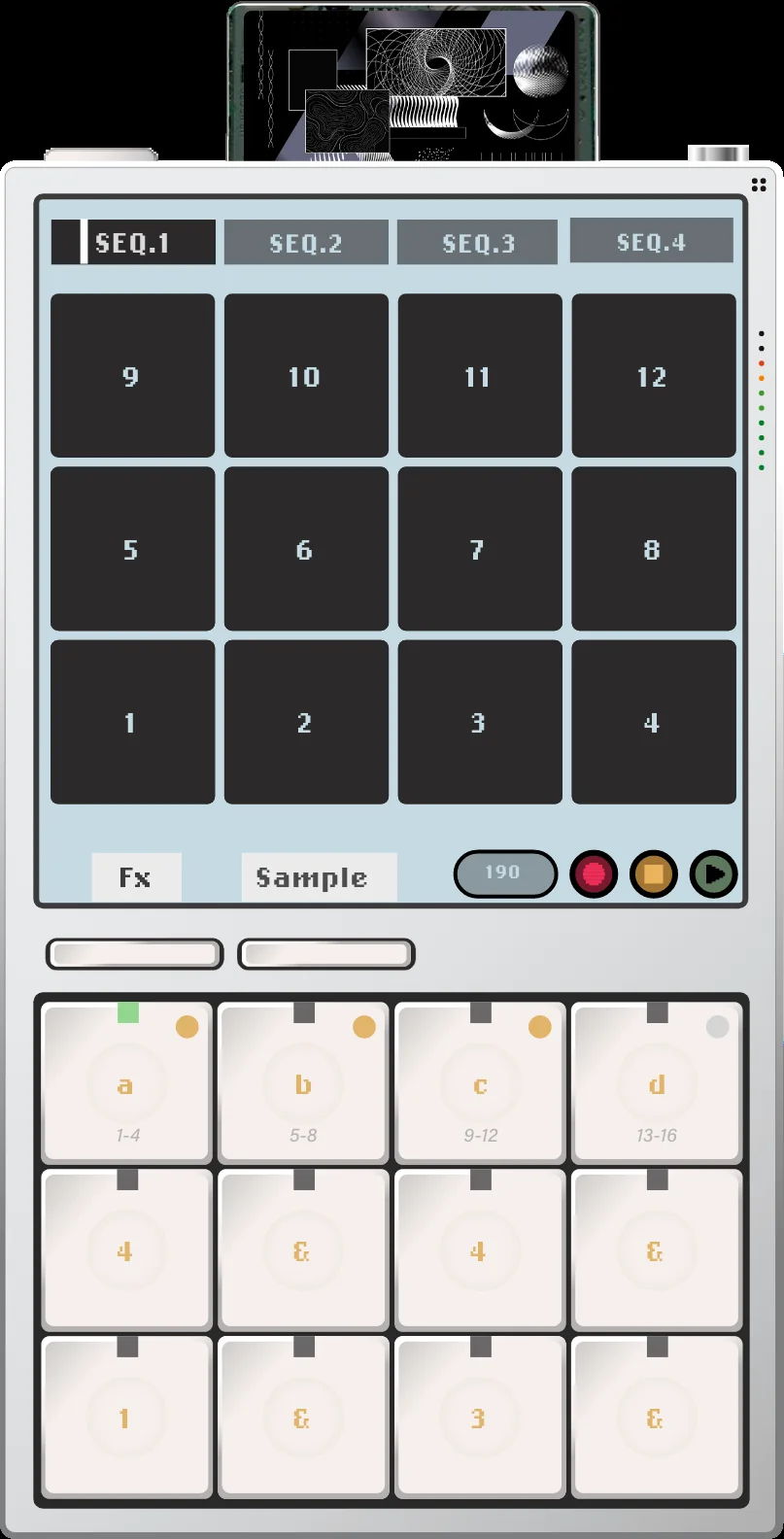
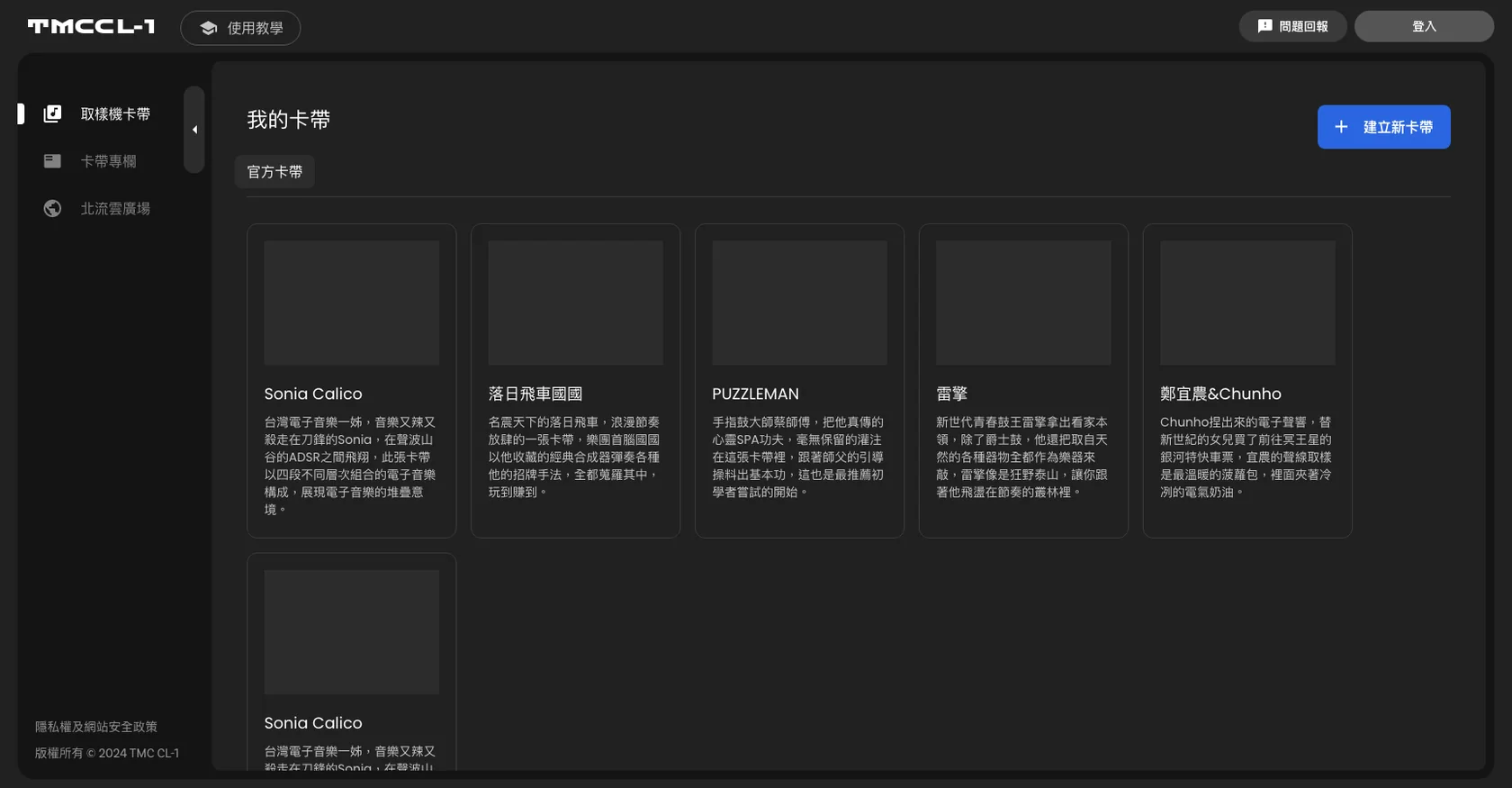
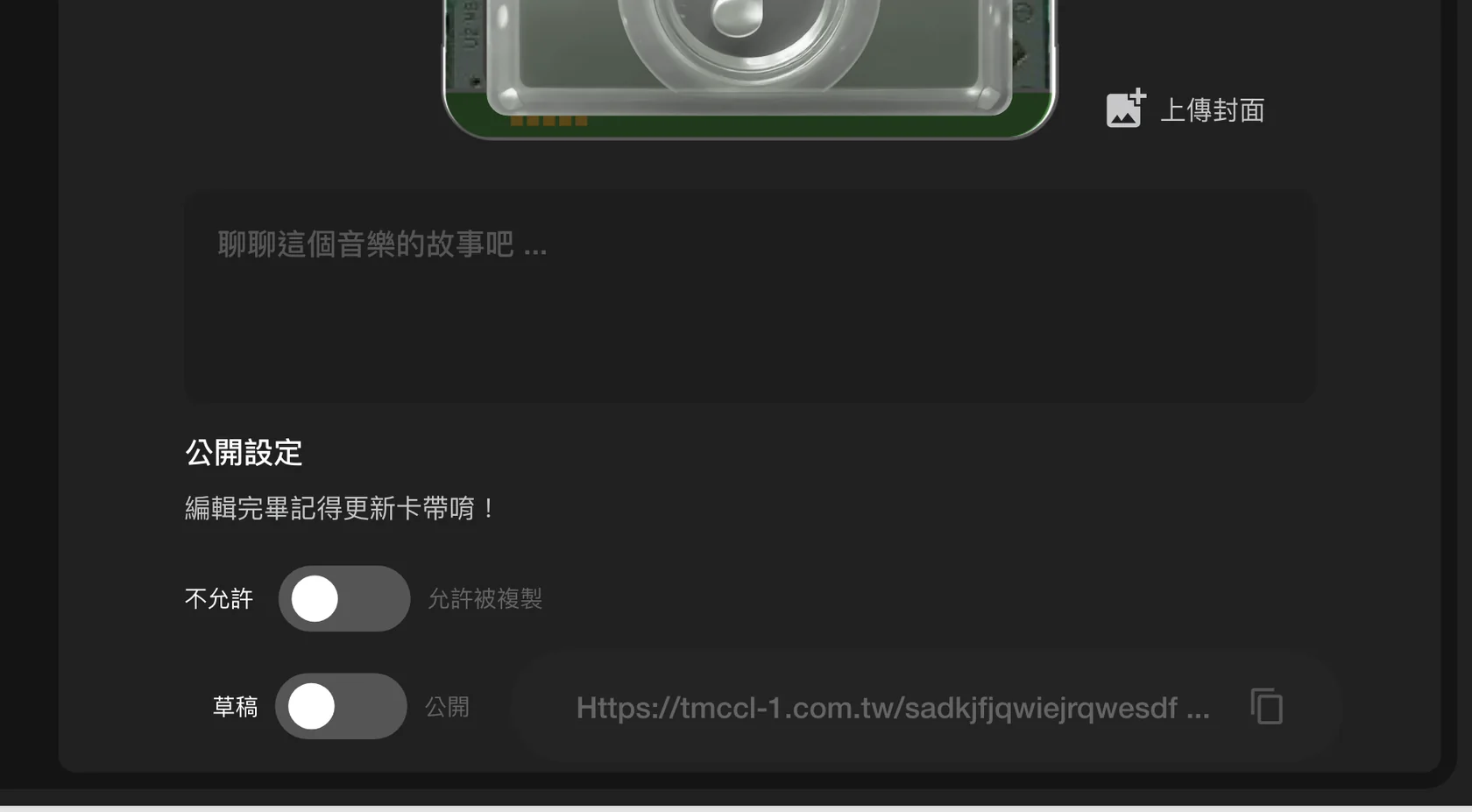
Full creation on a phone
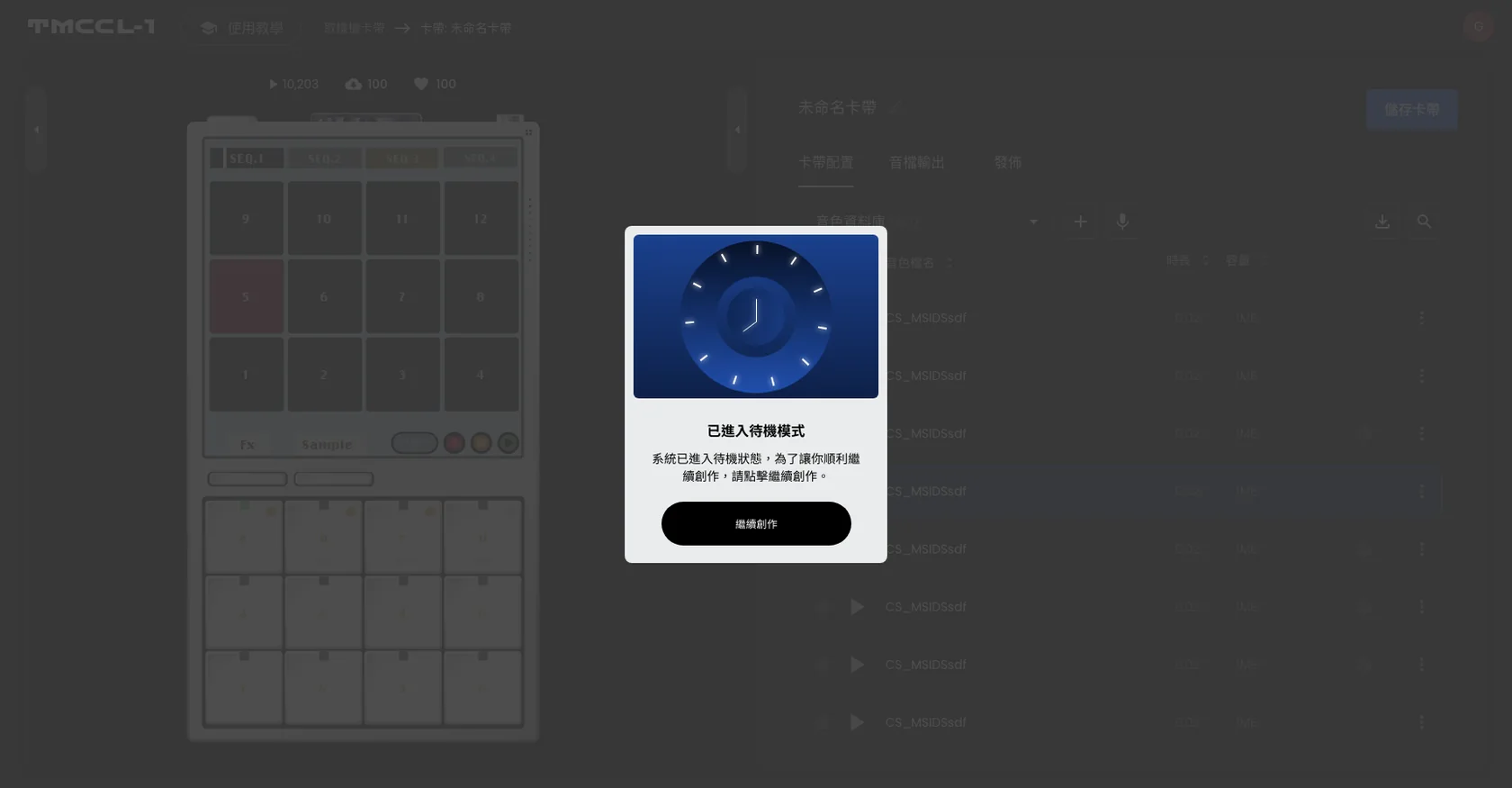
Before entering the sampler, a prompt reminds the user to turn off silent mode, and audio starts only after the start button is pressed. After switching to another app and coming back, a standby prompt lets the user continue. Sounds uploaded by users are converted by the backend in one process, which reduces the beat offsets that different sources cause.
(Result)
Artist cassettes copied 7,677 times, and used in training, classes and a competition
The platform holds cassettes from nine artists and groups, including Amazing Show, Kuo Kuo of Sunset Rollercoaster, Enno Cheng, Trout Fresh and PUZZLEMAN. As of November 2026, the four collaboration cassettes have been copied into 7,677 personal versions.
The sampler has also reached the teaching floor, with teacher training sessions and in-person workshops. In a music education course run by the Cerebral Palsy Association of the R.O.C., the sampler was the teaching tool for 12 weeks and 10 learners took part (reported by Maisi Media).
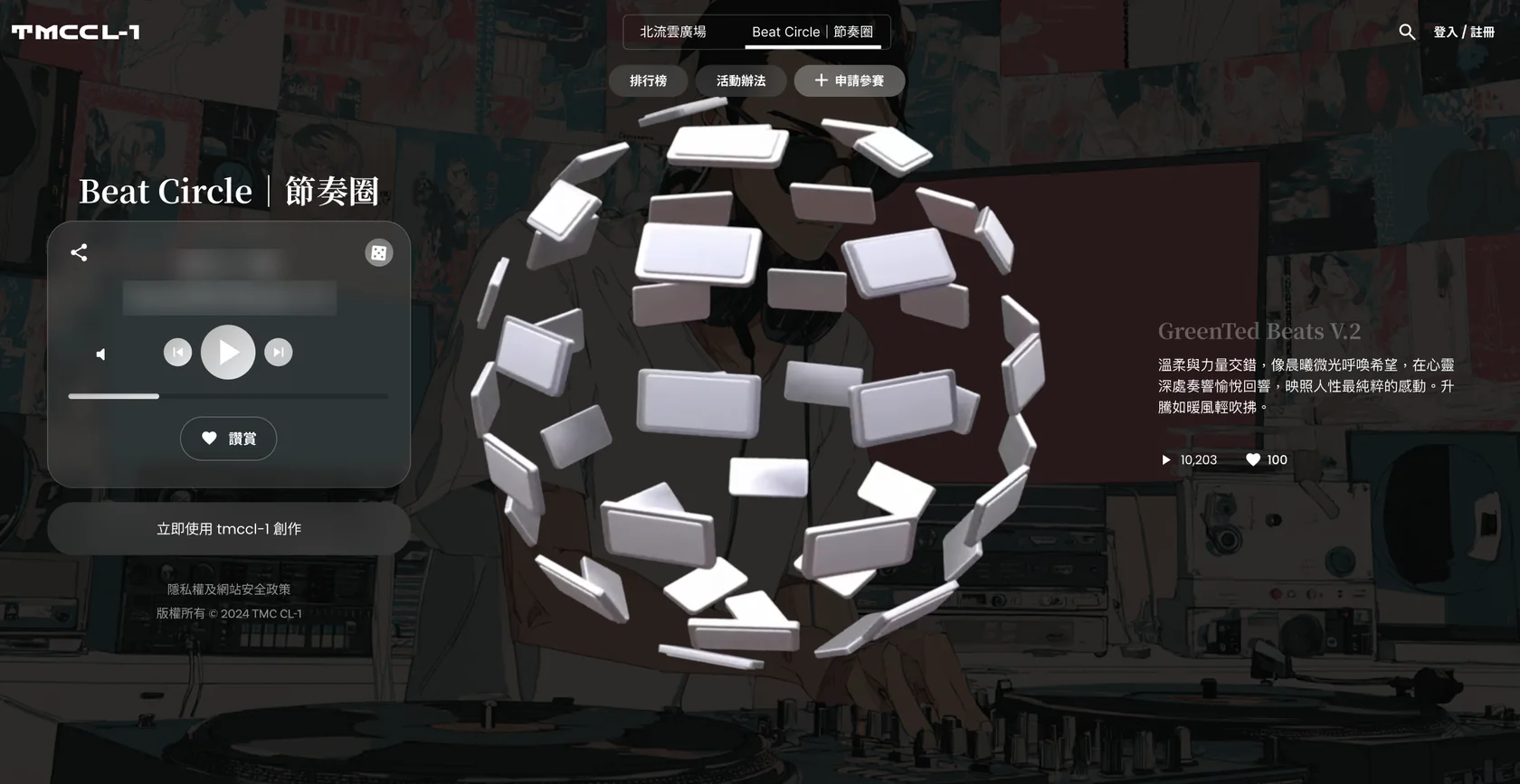
The online competition Beat Circle ran as a relay across three themes. Users entered with cassettes, and nine winners were chosen in the end.
(Tutorials)
After development, a series of tutorial videos gets users started quickly
With tools like the sampler, and with products built for learning, users need to be able to learn the controls on their own. After development, the project added 24 tutorial videos, ordered by learning sequence from core features through rhythm design and sound sampling to cassette export, and placed them at the product's tutorial entrance.
New users can follow the videos to get started quickly, and common operations have a video to check against, which also lowers support and learning costs. Tutorial content was therefore treated as an important part of product development.
Beginner Tutorials, Unit 1
Beginner Tutorials, Unit 2
Beginner Tutorials, Unit 3
(Field notes)
Methods and measurements, open each one
The first meeting takes 15 to 30 minutes and gives a direction, a budget range and a draft timeline.
Polish+Next case: Configurations outgrew the catalog, so customers finish the build before visiting a store
(Contact)
Start a project.
Three steps to a clear direction and budget range.
- 01Book the first meeting: choose a time. A full specification is not required.
- 02A 15 to 30 minute online consultation: direction, budget range, and draft timeline.
- 03After materials are reviewed, a quote and delivery specification follows in about 3 to 5 working days.
- hello@polish-design.com.tw
- Mailing address
- 3F, No. 191-1, Zhifu Rd., Zhongshan Dist., Taipei 104, Taiwan
Book the first meeting
Monday to Friday, 16:00–18:0030 minutes online
Choose a time, then confirm with a Google account or an email address. A confirmed booking can be added to the calendar.
Choose a time